
The XRAI app finds streams on the venue's own network and shows them in the app and in your glasses. Receiving a stream in its own languages is free.
- Be on the venue's network. Join the venue's Wi-Fi. A guest Wi-Fi that keeps devices apart from each other won't work; ask staff for the link instead.
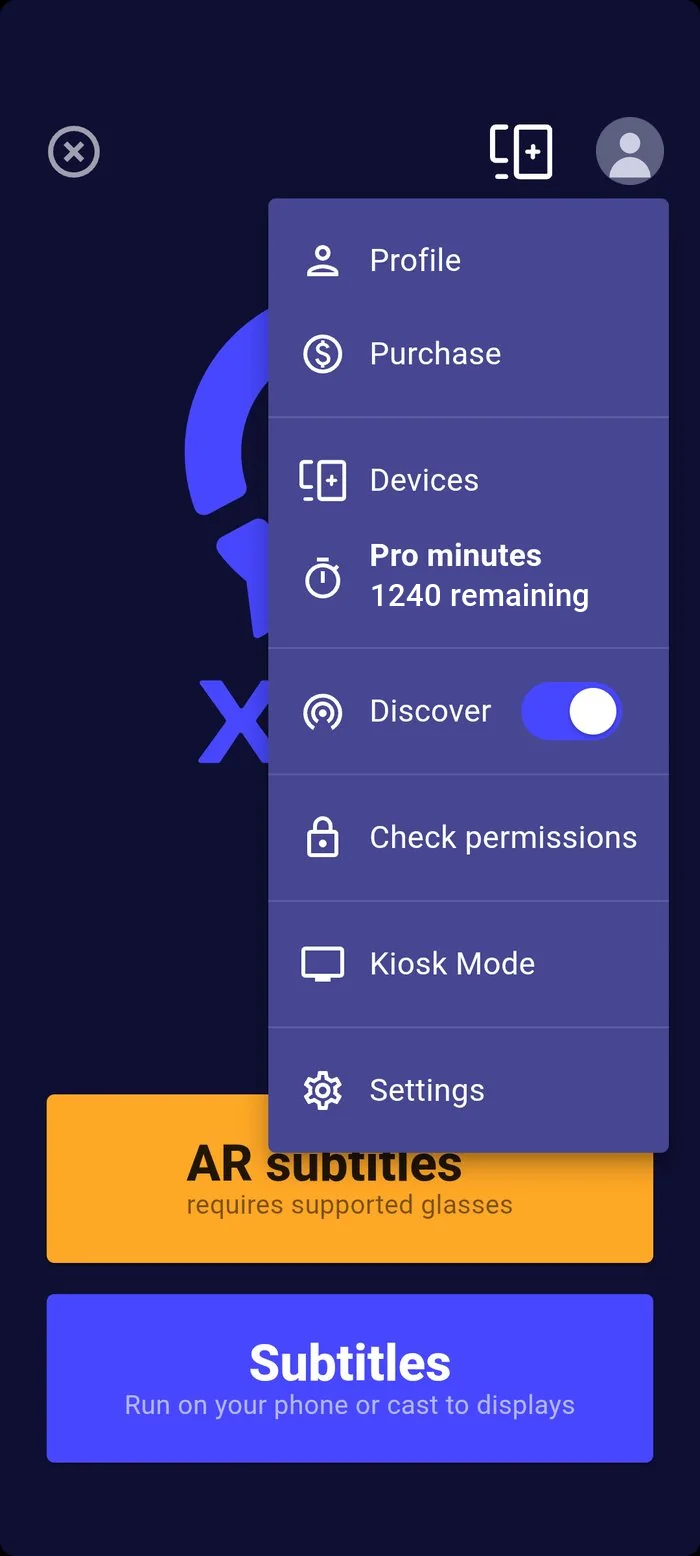
- Turn on Discover in the menu under your picture. On iPhone and iPad, the app also needs Local Network permission: without it, Discover finds nothing and shows no error. Allow it in Settings → Privacy & Security → Local Network.
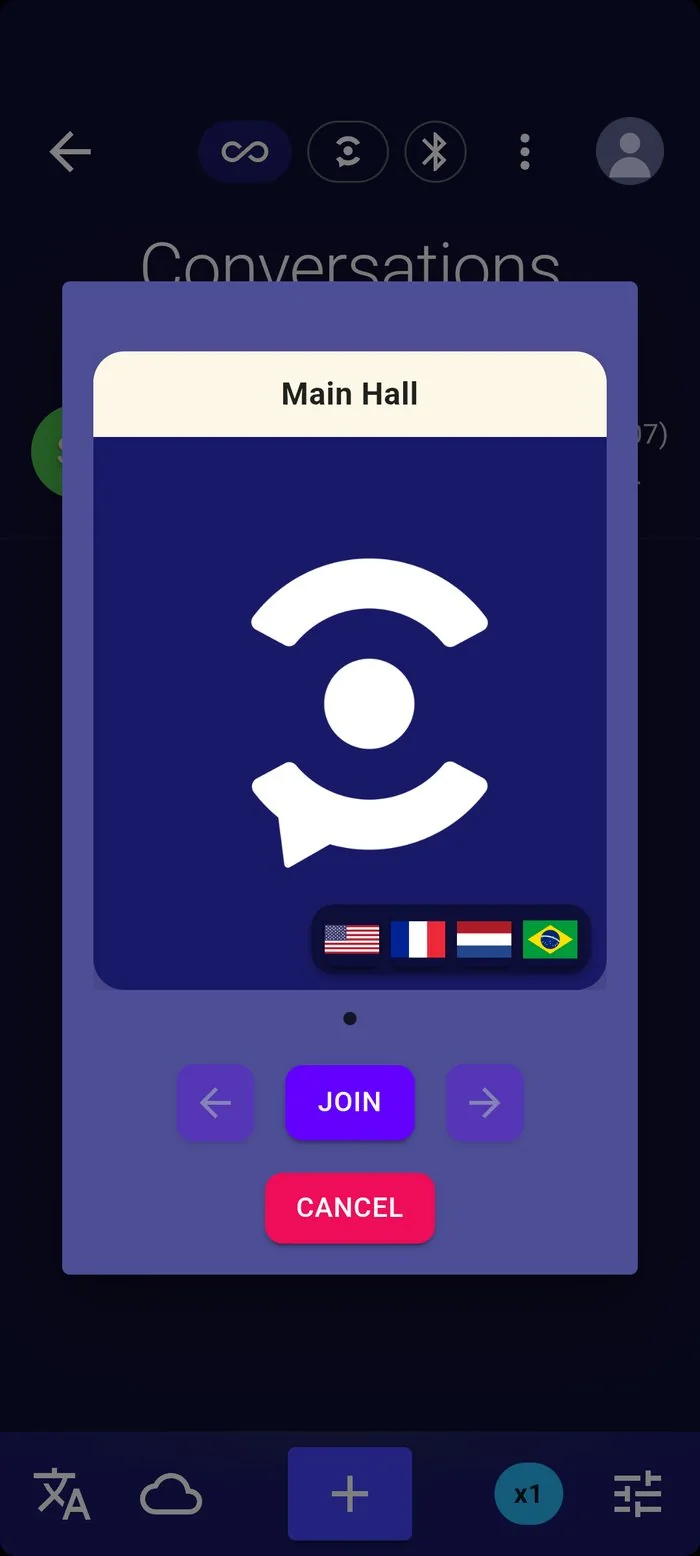
- Join the stream. Streams appear as cards with their name, picture and the flags of the languages they offer. Press Join.
- Choose your language. The stream's own languages are free. Choosing one it doesn't carry makes your phone translate it, which uses your Pro minutes.
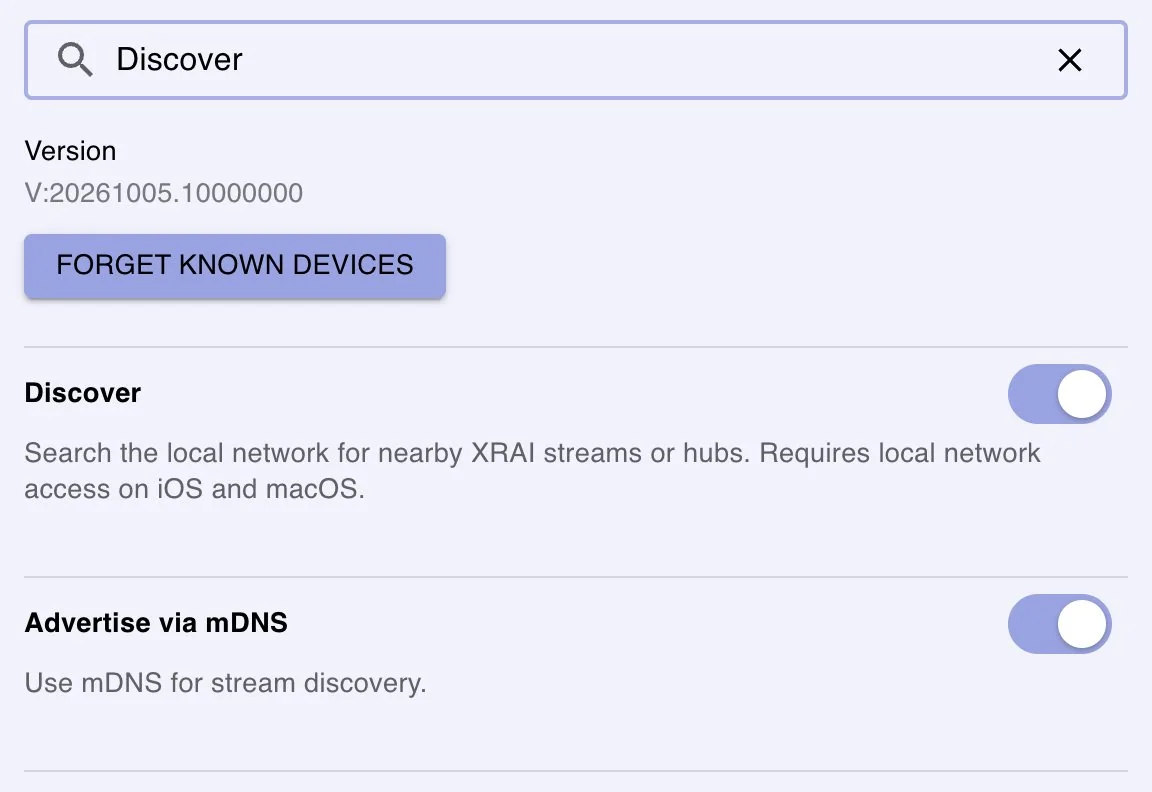
Discover is also in Settings: search for it by name.
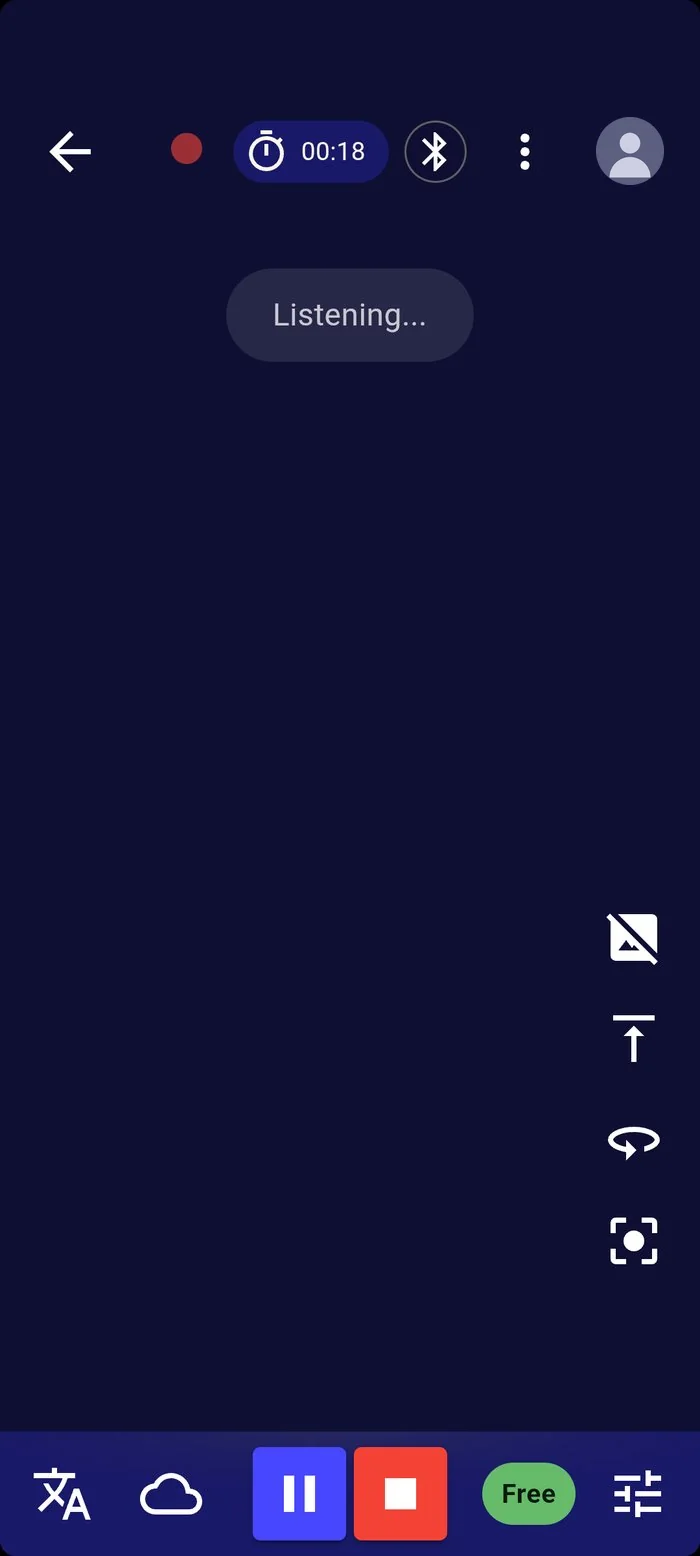
While you receive a stream the rate chip shows Free and your microphone is off. Connected XRAI AR2 glasses show the stream too.
If the venue shared a link or a QR code, open it on your phone: it opens the stream in the browser, or in the app if the venue made an app link. See Read live captions at a venue.