
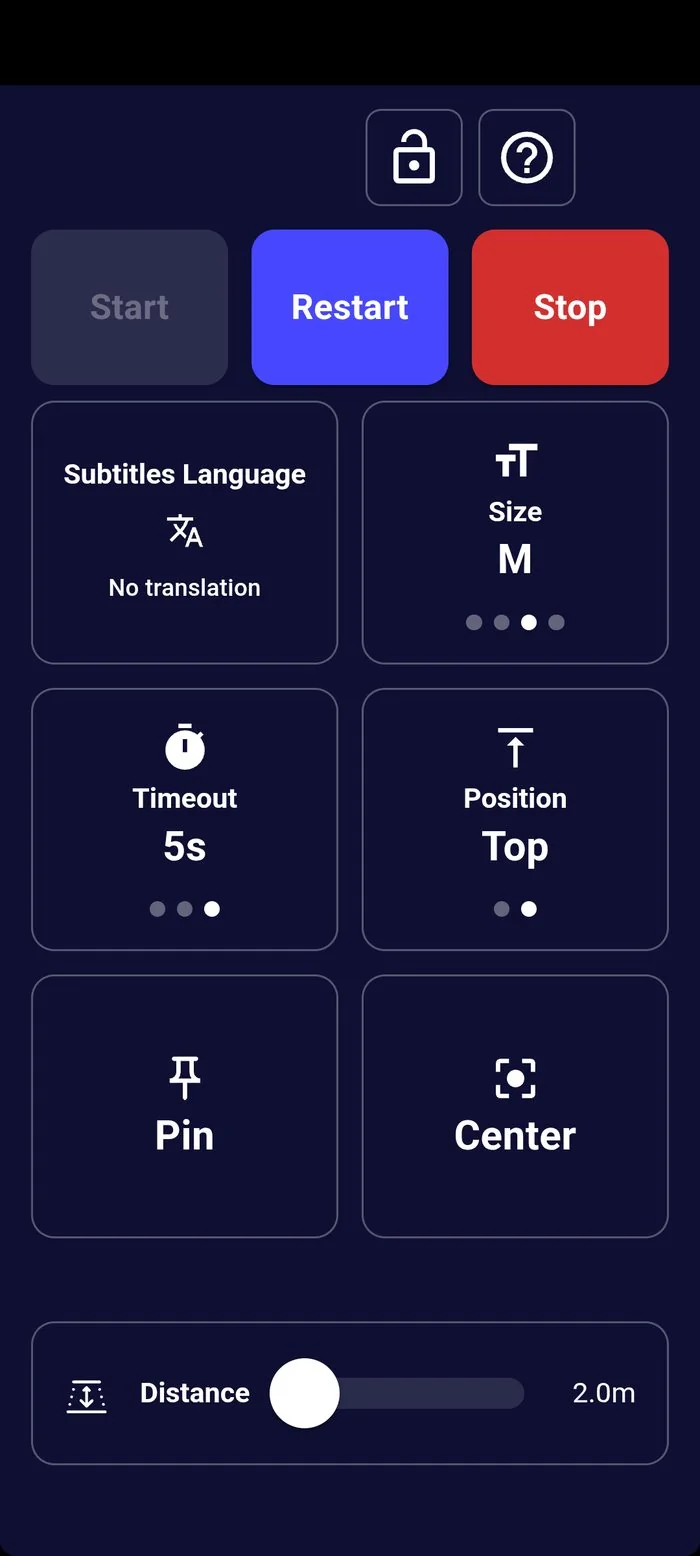
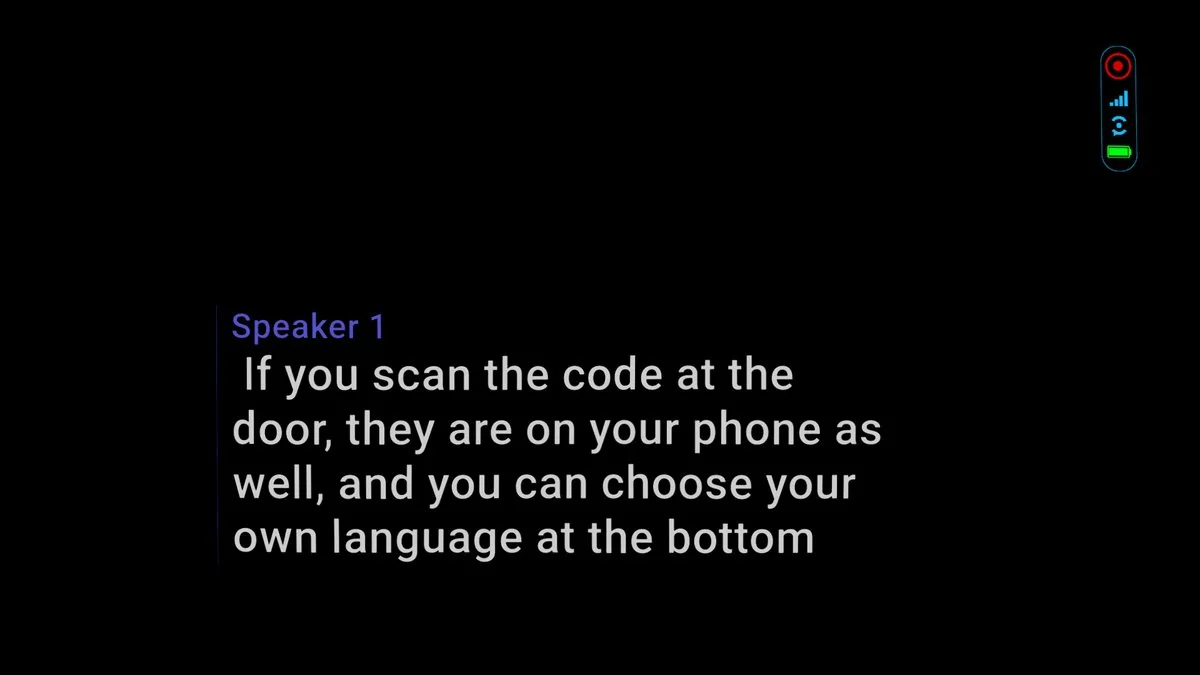
An XRAI kiosk is an XREAL Beam Pro running the XRAI app, with a pair of XREAL glasses. A theatre lends one to each audience member who wants captions. The captions appear in the glasses; the Beam Pro's screen holds the controls.
| What it does | |
|---|---|
| XREAL Beam Pro | An Android device that runs the XRAI app and drives the glasses. In kiosk mode its screen shows only the audience controls. |
| XREAL glasses | Connected to the Beam Pro by cable. The captions appear in front of the wearer, with a small status panel beside them. |
| The stream | Published by XRAI Studio. The kiosks receive it, so receiving the stream's languages costs nothing. |
| Venue staff | Set each device up once, and look after them during the performance from the Control Center in XRAI Studio. |
Guides
- For the audience: Use the kiosk glasses in your seat, and the XRAI Kiosk User Guide on the XRAI Stream page, to print or share with each device.
- For venue staff: Set up a kiosk, Manage kiosks from the Control Center, and the XRAI Kiosk Guide.