
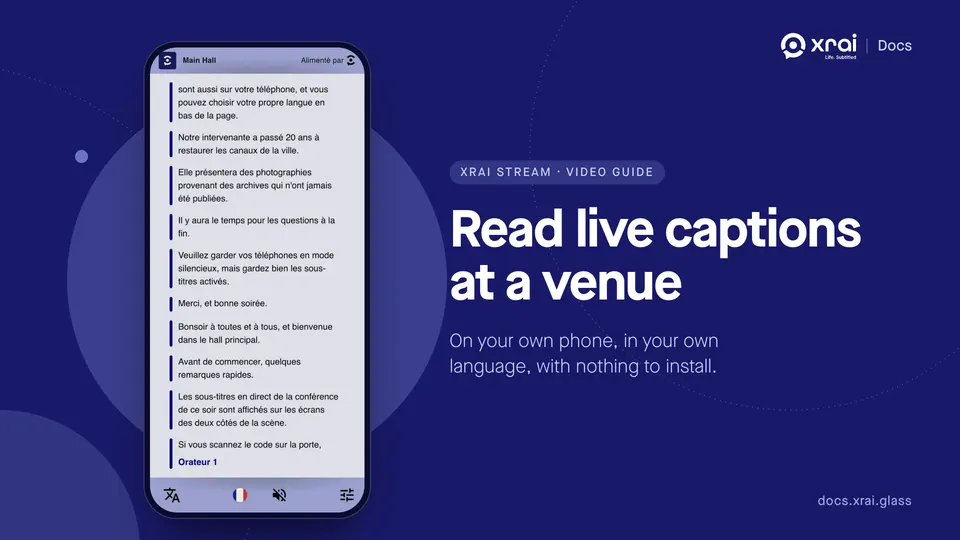
macOS
macOS 12 Monterey or later · Apple silicon and Intel
Live captions for venues and events
XRAI Stream captions and translates what is said at a venue and sends it to every visitor's phone, to screens, and to glasses lent at the door. XRAI Studio is the app that runs it, on the computer at the sound desk.
XRAI Studio, Stream Agent and the venue guides are for licensed venues. Sign in with the XRAI account on your venue's licence to open them.
Sign in to open Sign in to open
Setting up and running a stream: languages, audio and Dante, Auracast, AI engines, costs, network checks and troubleshooting.
 Sign in to open
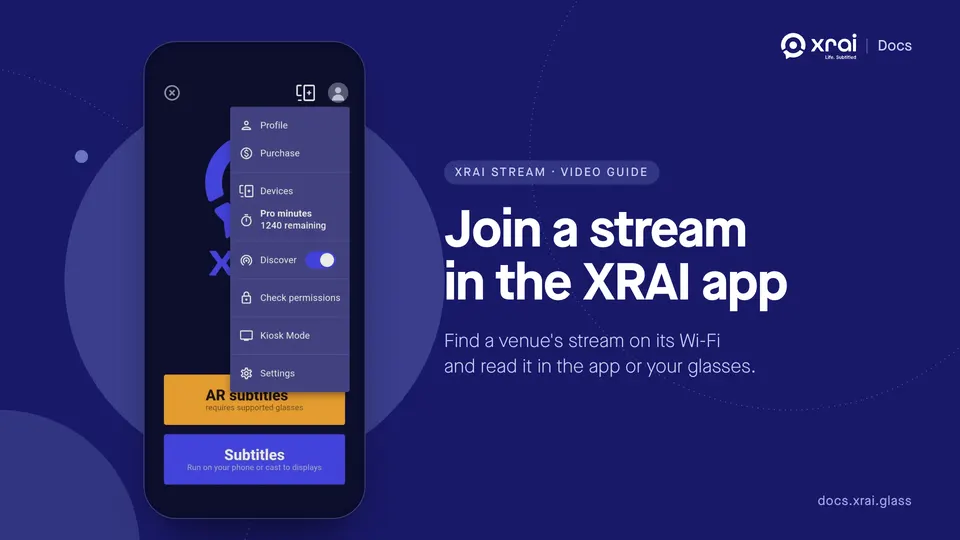
Setting up XREAL Beam Pro devices for theatre audiences: connecting to the stream, caption position, kiosk mode, the Control Center and join links.

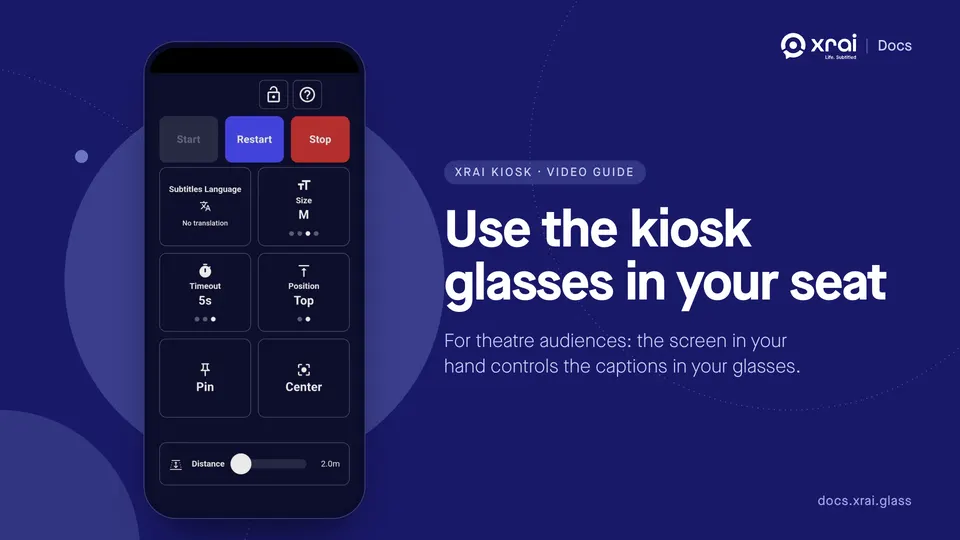
The kiosk screen explained for audience members: starting the captions, choosing a language, size and position, and getting help.
For people visiting a station, stadium or venue that uses XRAI: opening the captions on a phone, choosing a language, listening, and making the text easy to read.
Runs the stream. Install it on the computer at the sound desk; it listens, captions and translates, then sends the captions around the venue.
macOS 12 Monterey or later · Apple silicon and Intel
Windows PC
Both links always fetch the latest release, and XRAI Studio keeps itself up to date after you install it.
Shows which streams a computer on your network receives, on which paths, with live captions in each language. Install it on a computer on the network you want to check.
macOS 11 Big Sur or later · Apple silicon and Intel
Windows PC
Both links always fetch the latest version. Page 25 of the operator guide shows how to use it.
Tell us your phone, your glasses if you use them, and what happened. To send your app's diagnostics with it, tap your picture in the XRAI app, then Settings → Vitals → Send report to support.