
Captioning glasses

XRAI AR2

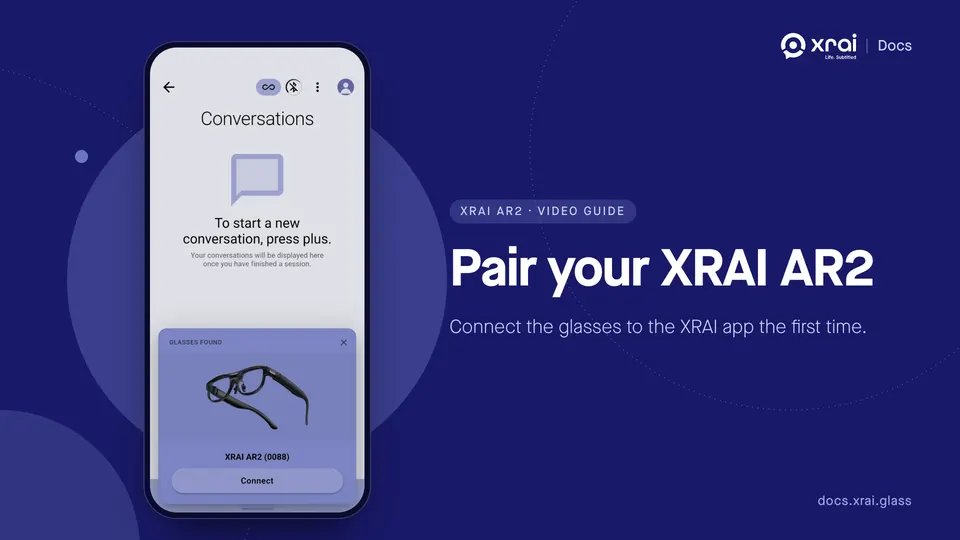
Pairing the XRAI AR2 with the XRAI app, the controls on the frame, charging, firmware updates, and what to do when the glasses stop connecting.

Getting started

Using your AR2

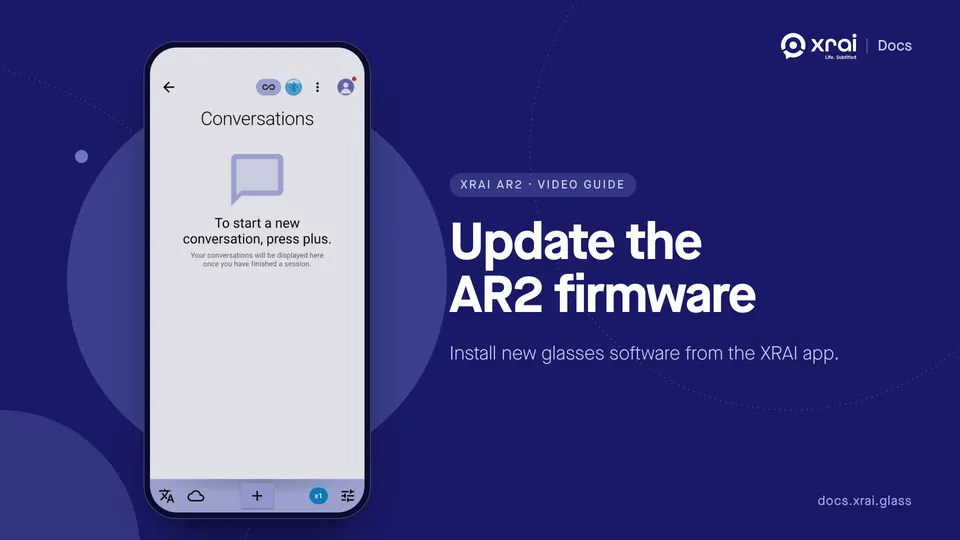
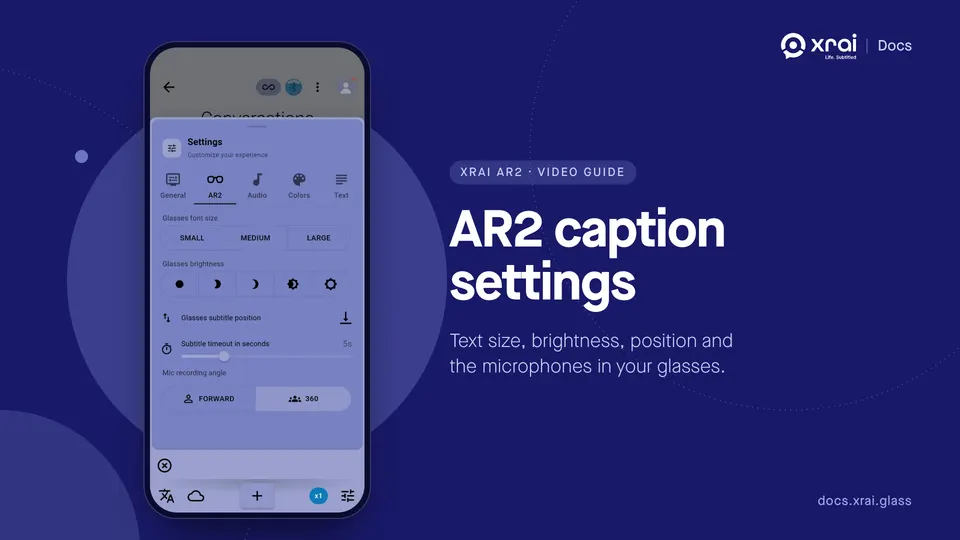
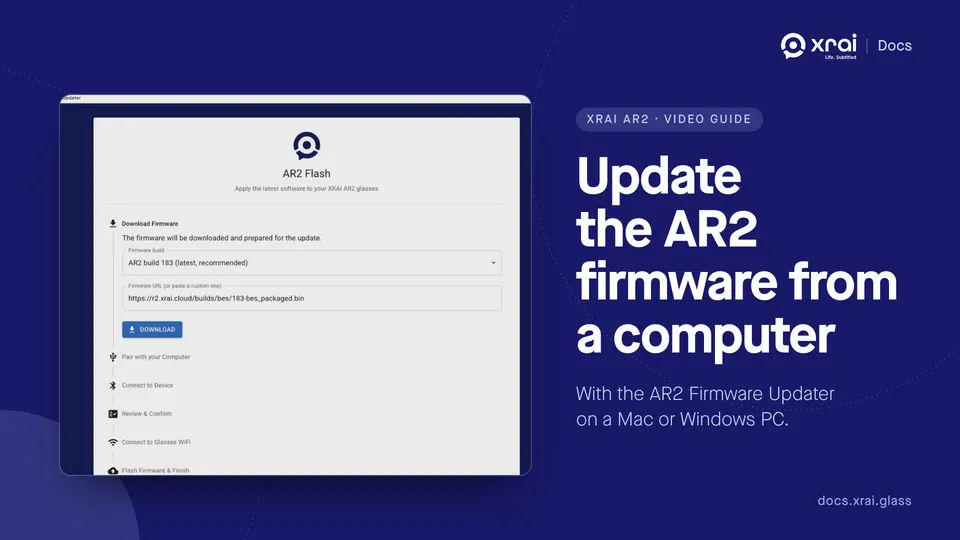
Touchpad, power button and menuControl the XRAI AR2 from the frame: start and stop captions, open the menu, and turn the display off.Caption size, brightness and positionChoose how captions look in the XRAI AR2: font size, brightness, position, how long they stay, and which way the microphones listen.What the Bluetooth icon showsThe Bluetooth icon at the top of the conversation screen shows whether your XRAI AR2 are searching, connecting, connected, captioning or asleep, and when their battery is critical.Check your prescription for AR2 insertsWhich prescriptions XRAI AR2 inserts can be made for, in single vision and varifocal, and the few that aren't recommended.Enter your prescription for AR2 lensesAdd your glasses prescription at account.xrai.glass and attach it to your AR2 order, so the lenses can be made for you.Prescription lens insertsFit and remove prescription lens inserts in the XRAI AR2.XRAI AR2 for eye care professionalsFor opticians, optometrists and ophthalmologists: how the AR2 show captions about 1.5 m (5 ft) away, single vision or varifocal inserts, and a PD for each eye.Show captions on more than one AR2Connect up to seven AR2 to one phone, and choose the subtitle language each pair shows.Update the AR2 firmware from the appUpdate the software on your XRAI AR2 from the XRAI app on your phone, step by step.Update the AR2 firmware from a computerUpdate your XRAI AR2 from a Mac or Windows PC with the AR2 Firmware Updater, when the update from the app doesn't work.

Fixing problems

Video guides

Guides

Downloads

AR2 Firmware Updater

Updates the firmware on your XRAI AR2 glasses from a computer. Turn Bluetooth off on your phone while it runs.

Both links always fetch the latest version of the updater, and the updater downloads the latest firmware for you.

Still need help?

Our support team answers by email.

Tell us your phone, your glasses if you use them, and what happened. To send your app's diagnostics with it, tap your picture in the XRAI app, then Settings → Vitals → Send report to support.

Email supportsupport@xrai.glass