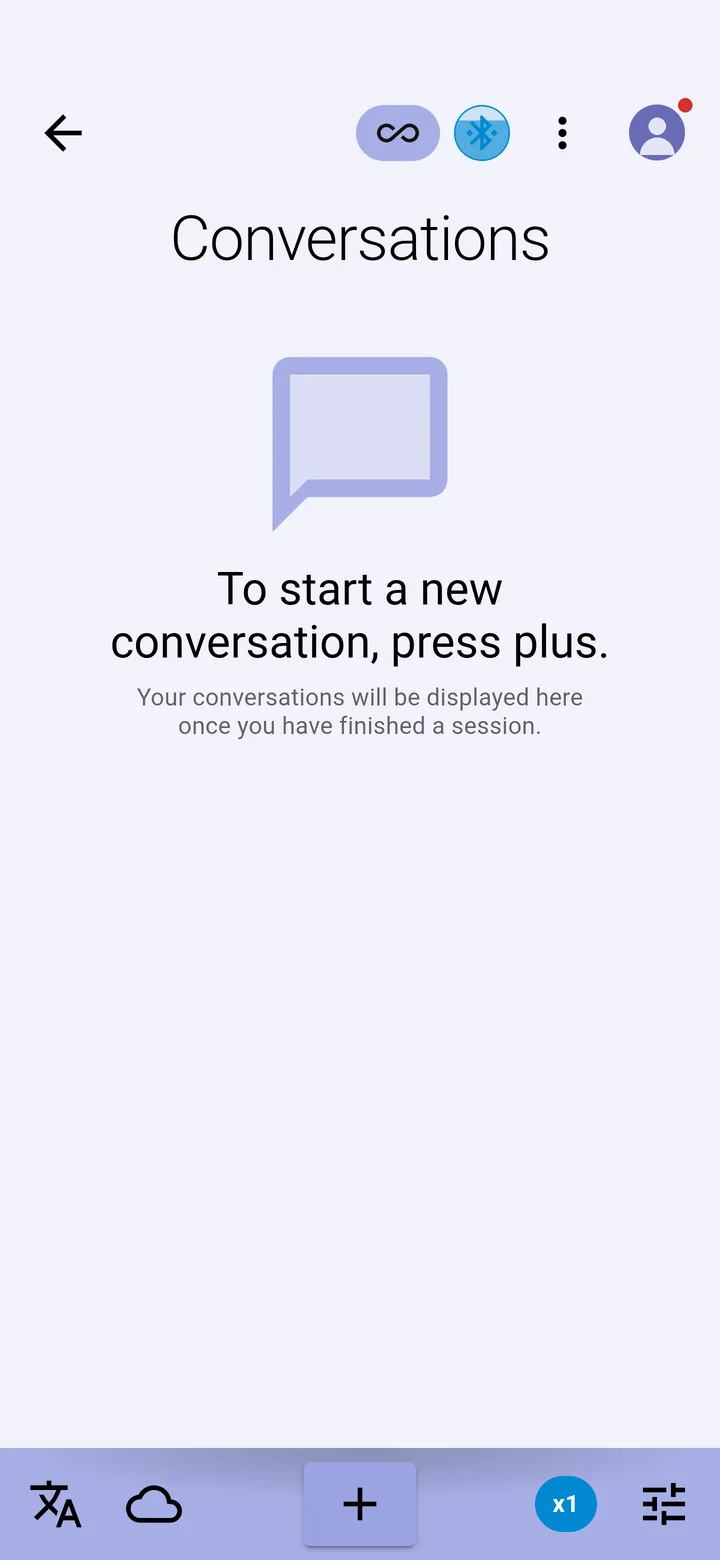
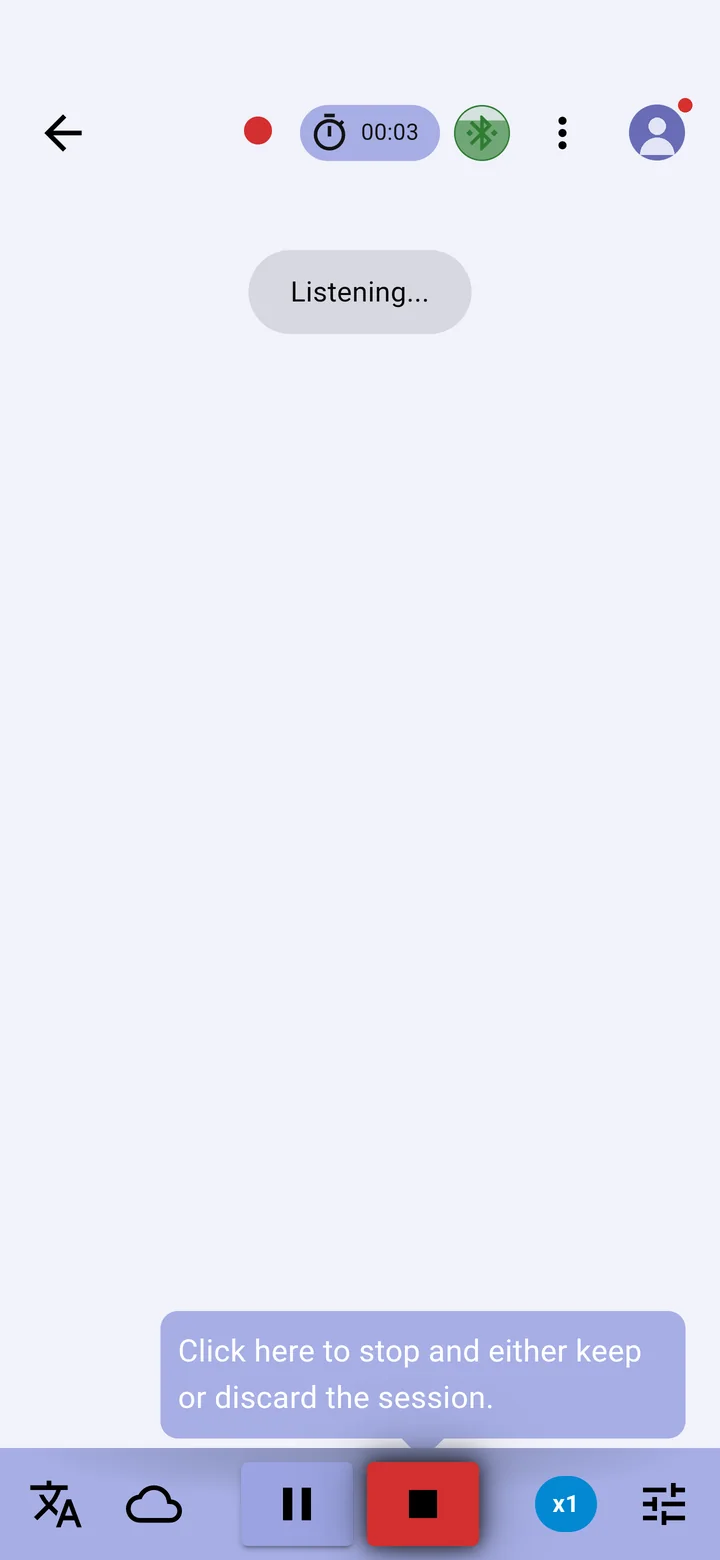
The Bluetooth icon at the top of the conversation screen shows the state of your glasses at a glance. While they are connected it fills to show their battery level, and turns red below 10%.
| Icon | Meaning |
|---|---|
 | Not connected. Your glasses are known to the app but not connected. Tap to search for them. |
 | Searching for glasses. The app searches for 30 seconds. |
 | Connecting to the glasses. |
 | Connected and ready. The fill shows the glasses' battery. |
 | Captioning: a conversation is running and the glasses are showing it. |
| Amber, with a moon | Asleep. Connected but resting to save battery. The glasses wake when a conversation starts. |
| Plain | No glasses paired with the app yet. |
What you can do with it
- Tap to search for your glasses for 30 seconds.
- Hold to disconnect the glasses, or to connect them again.