
The XRAI AR2 are captioning glasses. They show live captions from the XRAI app in both lenses, and three microphones in the frame pick up the conversation. They connect to the XRAI app on your phone over Bluetooth, and the app is where you choose languages, caption size and brightness.
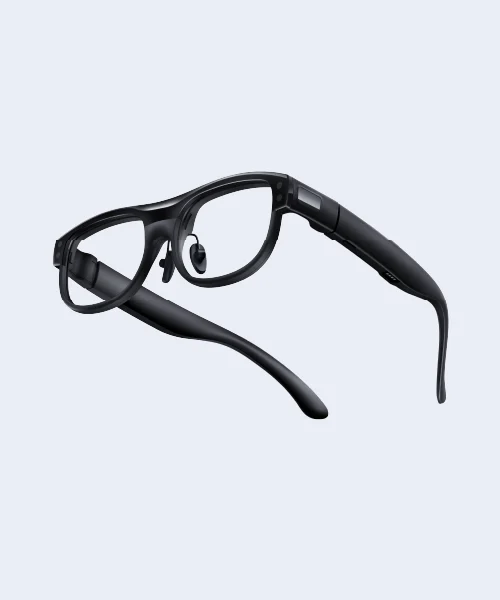
On the frame
| Part | What it does |
|---|---|
| Power button | Hold for 1 second to turn on and 3 seconds to turn off. Press once to turn the display off or on. Hold for 10 seconds to restart the glasses. |
| Light, next to the power button on the inside of the arm | Slow flash: charging. Blinking: ready to pair. Three flashes: battery low. |
| Touchpad, along the other arm | Tap to start captions or select. Swipe down to stop captions, go back or open the menu. Swipe forward or back to move through the menu. |
| Microphones | One above the bridge and one on each arm. While the glasses are connected the app listens through them. |
| Charging contacts | Magnetic contacts on the arm that charge the glasses in their case. |
In the box
- XRAI AR2 glasses
- Charging case, which charges the glasses up to 12 times
- USB-C cable for the case
What you need
- An iPhone with iOS 17 or later, or an Android phone with Android 11 or later
- The XRAI app, signed in with your XRAI account