iPhone, Android and Mac
18 articles · downloadsApp help
XRAI app
Live captions and translation on your phone, tablet or Mac: getting started, conversations, languages, engines and fixing problems.
Set-up guides, downloads and answers for the XRAI app, the XRAI AR2 glasses, XRAI Studio, Stream and Kiosk.
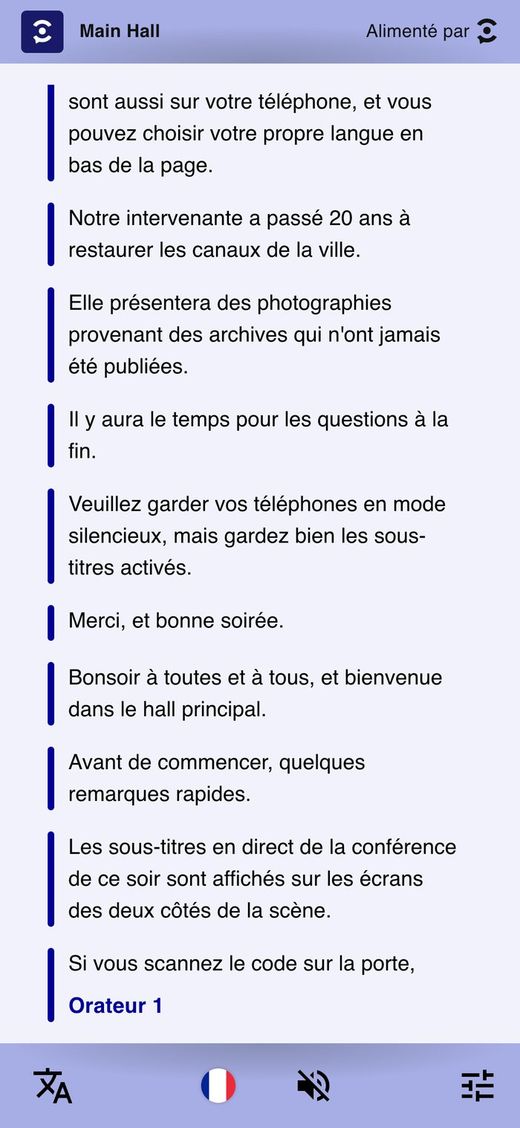
Each product has its own guides, downloads and help articles. Search covers all of them.
Live captions and translation on your phone, tablet or Mac: getting started, conversations, languages, engines and fixing problems.
The XRAI AR2 captioning glasses: pairing, the controls on the frame, charging, firmware updates and resets.
Using the XRAI app with XREAL, QONOQ MiRZA and RayNeo X2 glasses: setting up, AR subtitles and display problems.
Run live captions and translation for a room from one computer: the installers, the operator guide and the network checker.
For visitors to a venue that uses XRAI: reading live captions on your own phone, in your own language.
XREAL Beam Pro kiosks lent to theatre audiences: setting them up as venue staff, and using one in your seat.
Managing your subscription, and UK schemes that can pay for XRAI.
Illustrated guides to read on screen or print, from setting up a venue to using the captions in a seat.
 Sign in to open
Setting up and running a stream: languages, audio and Dante, Auracast, AI engines, costs, network checks and troubleshooting.
 Sign in to open
Setting up XREAL Beam Pro devices for theatre audiences: connecting to the stream, caption position, kiosk mode, the Control Center and join links.

The kiosk screen explained for audience members: starting the captions, choosing a language, size and position, and getting help.

For people visiting a station, stadium or venue that uses XRAI: opening the captions on a phone, choosing a language, listening, and making the text easy to read.
Every link fetches the latest release, and the apps keep themselves up to date once installed.
XRAI Studio, Stream Agent and the venue guides are for licensed venues. Sign in with the XRAI account on your venue's licence to open them.
The questions people ask most often.
Tell us your phone, your glasses if you use them, and what happened. To send your app's diagnostics with it, tap your picture in the XRAI app, then Settings → Vitals → Send report to support.