
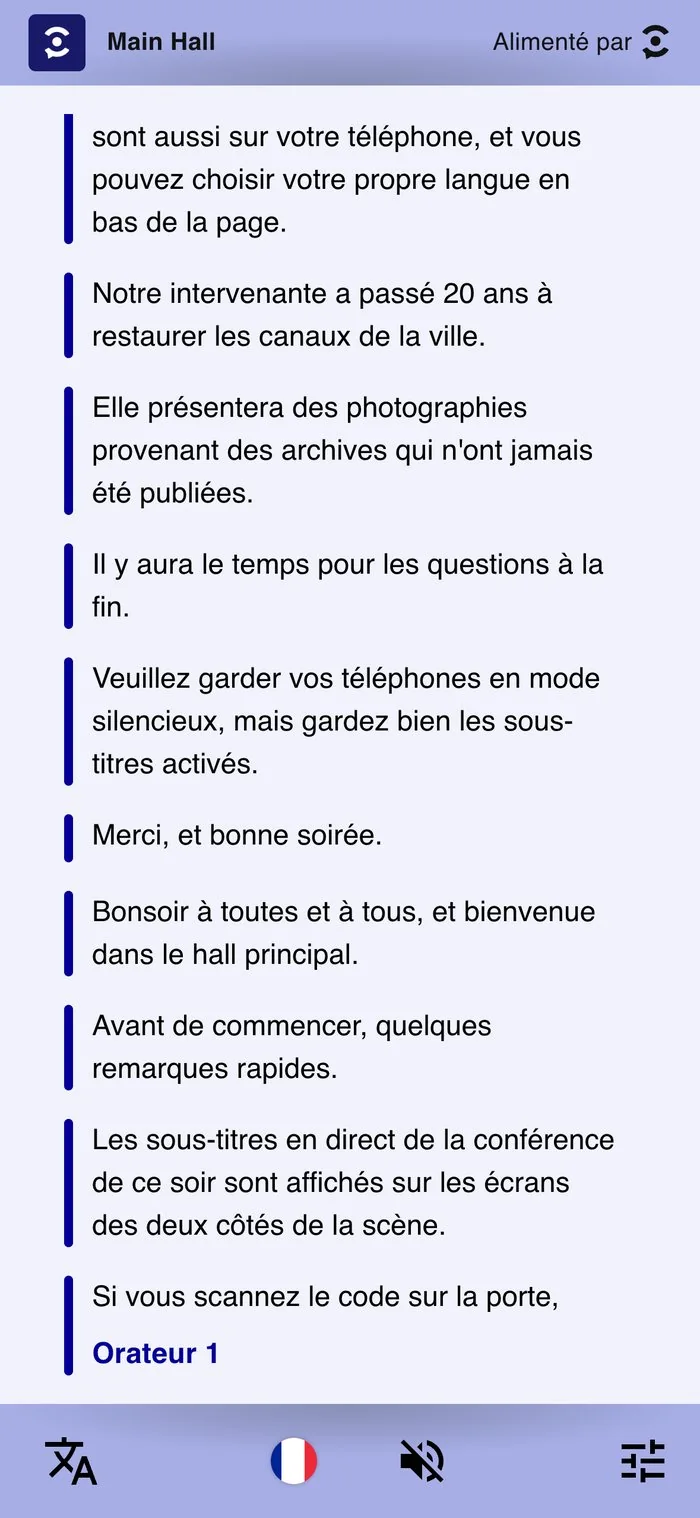
XRAI Stream brings live captions and translation to everyone at a venue or event: stations, stadiums, theatres, conference halls and places of worship. What is said into the venue's microphones appears as text on visitors' own phones, on screens around the building and in glasses lent at the door, each in the reader's own language. Visitors can also listen to a spoken translation.
How it works
One computer at the sound desk runs XRAI Studio. It is the publisher: it takes in the audio, recognises the speech, translates it and sends out the captions. Every device showing them is a receiver.
| Path | Reaches | Receivers |
|---|---|---|
| The venue network | Devices on the same network in the building. The captions travel only over the venue network. | The XRAI app and glasses. |
| The cloud | Anyone with the link or the QR code, on any connection. | A web browser, with nothing to install and no account. |
Both paths are on by default and run at the same time. Whichever path the captions take, the speech is recognised and translated by cloud engines, unless XRAI Studio is set to use engines on the computer itself.
Who uses it
- Visitors scan a QR code or open a link, choose their language and read along. It is free for them and needs no account. See Read live captions at a venue.
- Theatre audiences borrow XREAL glasses with a Beam Pro and read the captions in their seat. See XRAI kiosks.
- The venue runs the stream from XRAI Studio. See Install XRAI Studio.
What a venue needs
- An XRAI Stream licence, on the XRAI account that signs in to XRAI Studio.
- A Mac or Windows PC at the sound desk, with a feed from the mixing desk, a microphone, or the venue's Dante network.
- A network the visitors can use, or an internet connection for the cloud link. See Network requirements.
To find out about a licence, email support@xrai.glass.