Set up XRAI with QONOQ MiRZA

Install the MiRZA version of the XRAI app on an Android phone and show captions in QONOQ MiRZA glasses.

Updated 7 October 2026

  1. Install the XRAI app from Google Play, open it and sign in.
  2. Finish the first-run steps with the default choices.
  3. Tap your picture → Devices. Under Other devices, tap + next to QONOQ MiRZA.
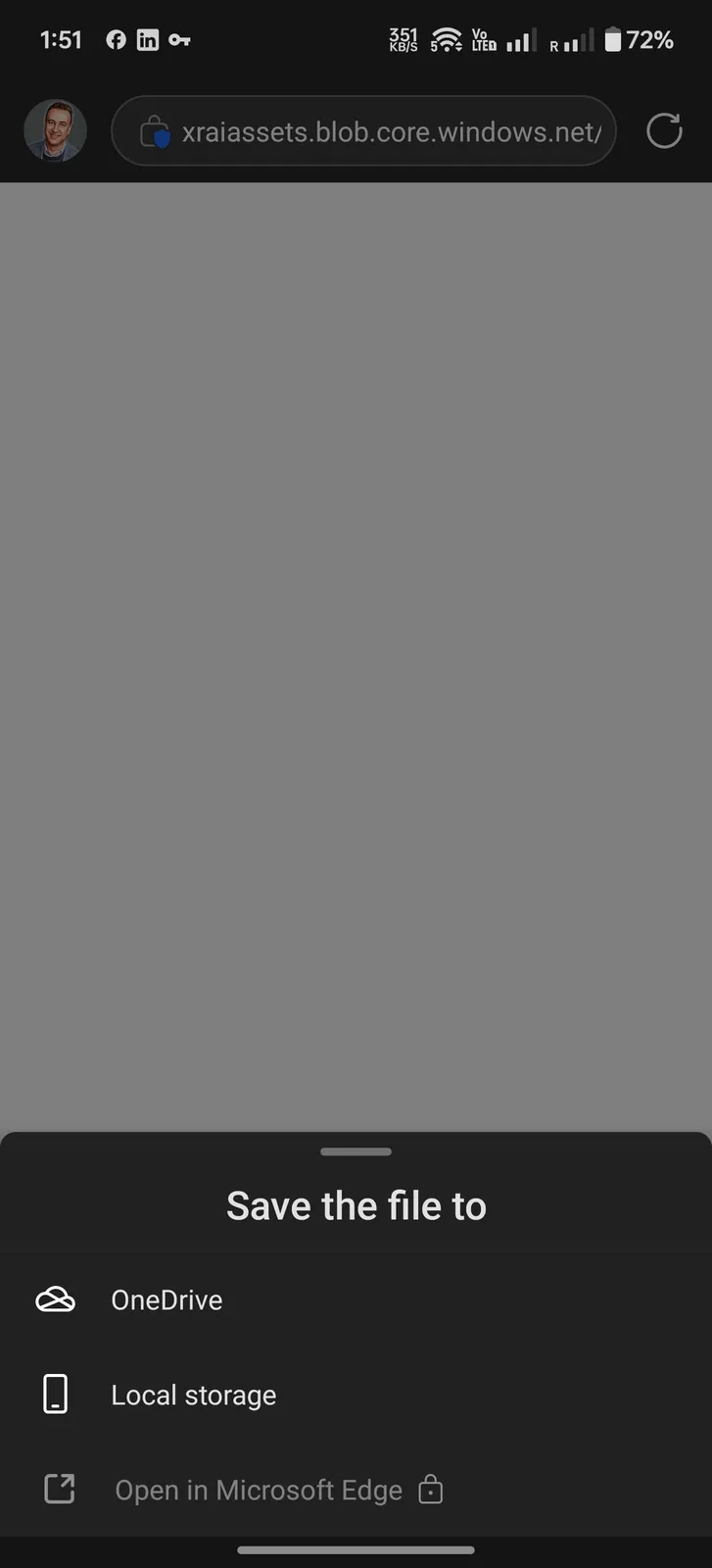
  4. Save the file to your phone's local storage when asked, then tap Open when the download finishes.
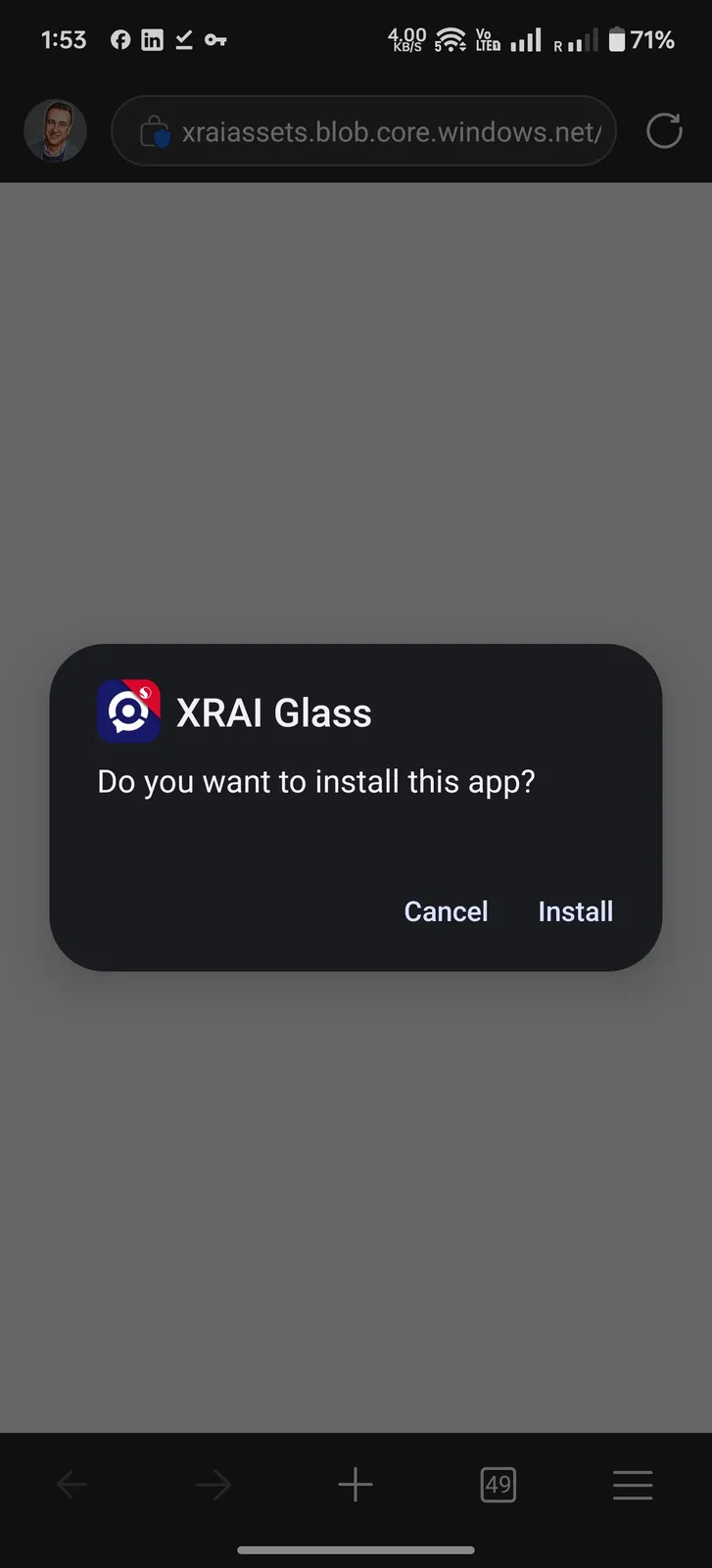
  5. Tap Install, then Open.
    Save the file to Local storage
    Do you want to install this app?
  6. Sign in again with the same account. You only need to do this the first time.
  7. Tap AR subtitles and then + to start captioning.
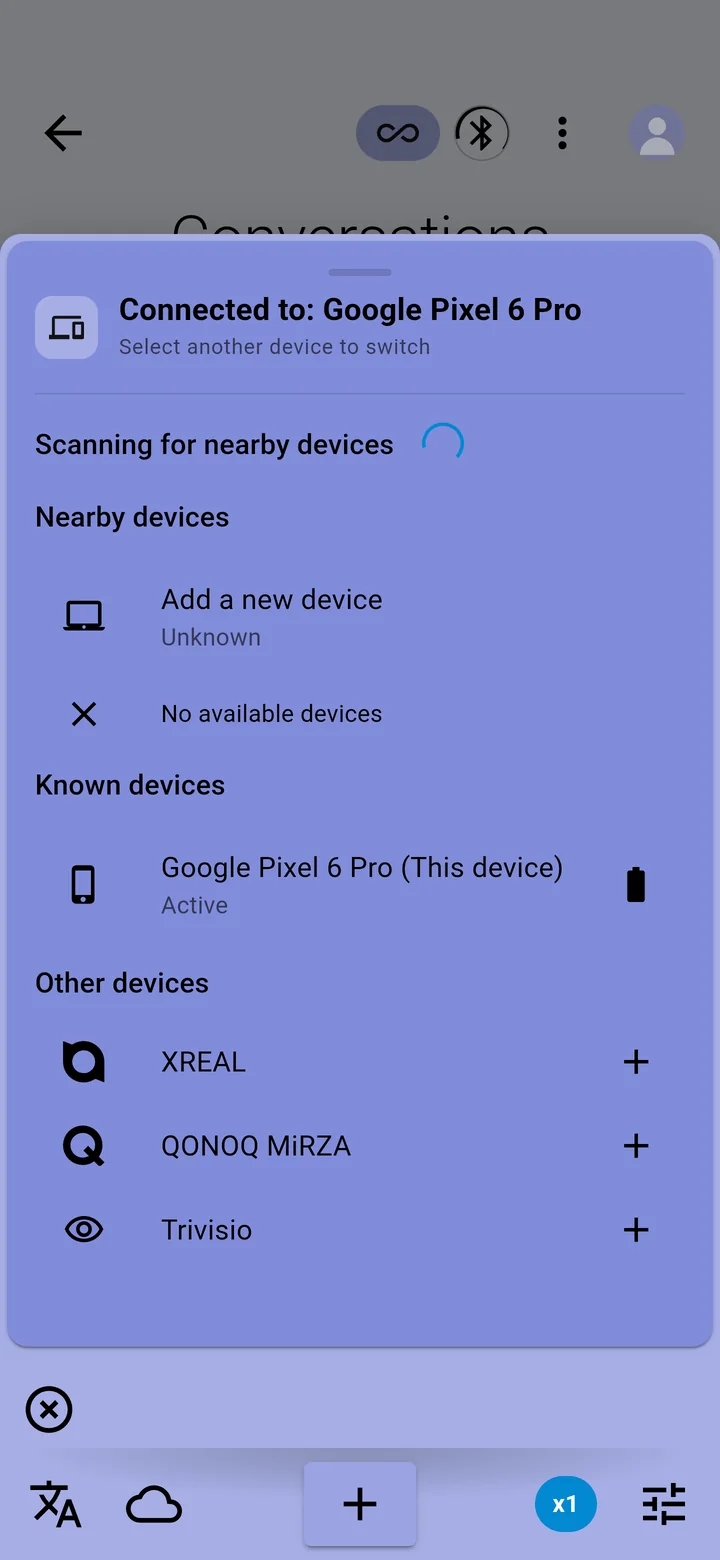
Devices → Other devices → QONOQ MiRZA
Still need help?

Our support team answers by email.

Tell us your phone, your glasses if you use them, and what happened. To send your app's diagnostics with it, tap your picture in the XRAI app, then Settings → Vitals → Send report to support.

Email supportsupport@xrai.glass