
On an XREAL Beam Pro the XRAI app runs on the Beam itself, with XREAL glasses plugged into it. It is the setup theatres use for their caption kiosks.
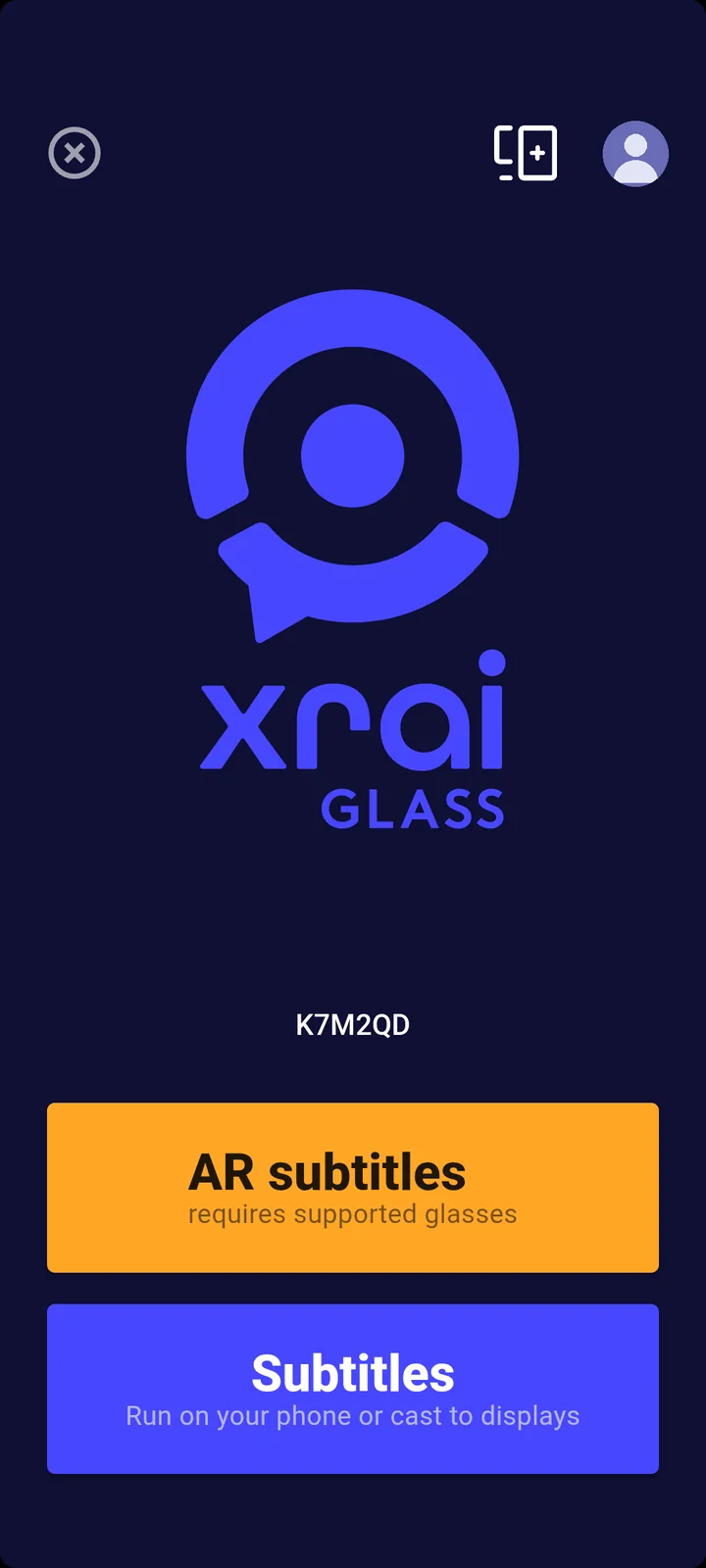
The home screen
- AR subtitles shows captions in the glasses, fixed in your view.
- Subtitles shows captions on the Beam's own screen, or on a display it is casting to.
- The six-character code is the Beam's pairing code. Another device running XRAI uses it to connect to this Beam, for example a venue's Control Center.
Getting the app
The Beam Pro uses the XREAL version of the XRAI app. Contact support@xrai.glass for the installer.
For venues
Theatres lending Beam Pro kits to their audience can lock them into kiosk mode. See the XRAI Kiosk guides.