
Press OK on the remote to show the XRAI bar. From the left, it has the spoken language, the subtitle language, Settings and the button that starts and stops captions.
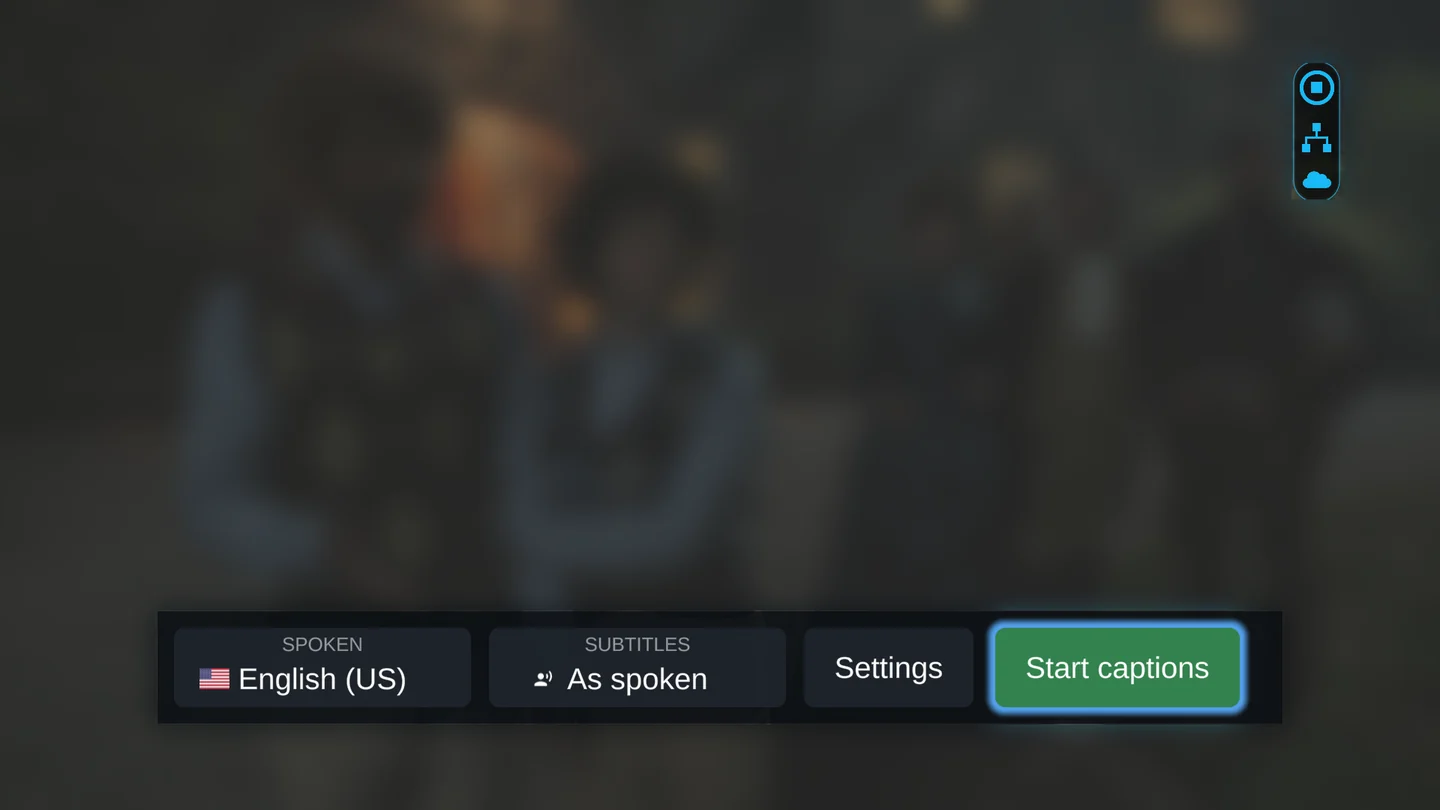
Choose the languages
- Use the arrow buttons to move to Spoken and press OK. Choose the language that people speak in the programme.
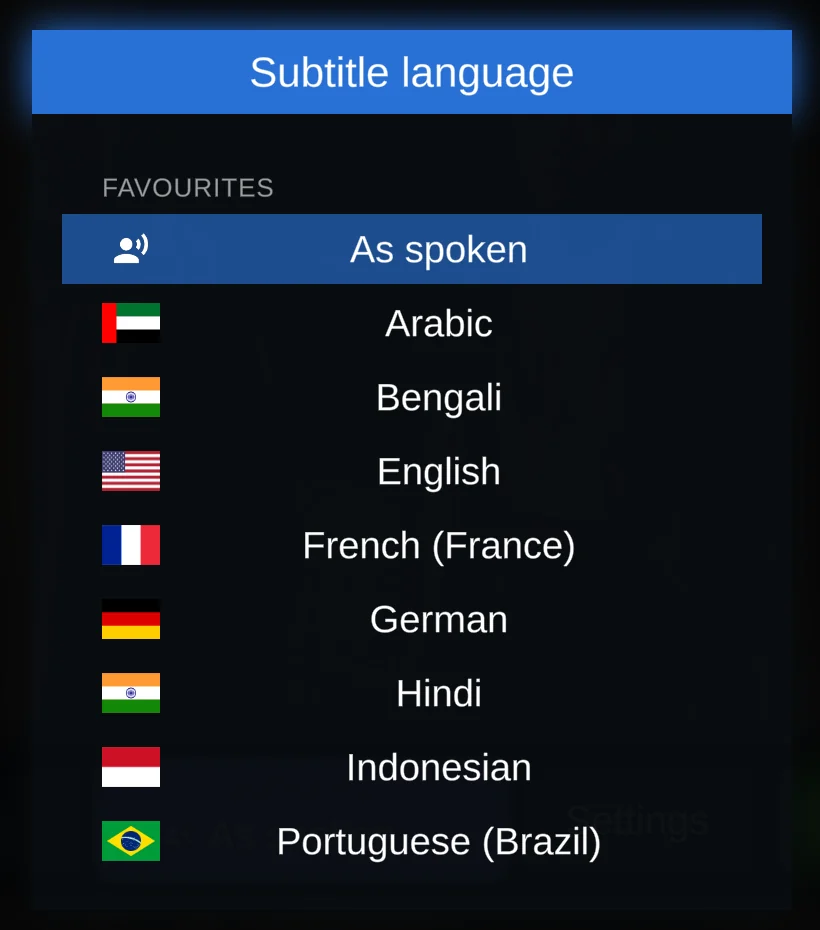
- Move to Subtitles and press OK. Choose As spoken for captions in the same language, or another language to translate them.
Each list starts with Favourites: the world's most widely spoken languages and any language you have chosen before. All languages follow below them.
Start and stop captions
Press Play/Pause on the remote, or move to Start captions on the bar and press OK. The TV shows Captions started, and captions appear as soon as someone speaks. Press Stop to stop them.
With a subtitle language chosen, the captions are translated as people speak.
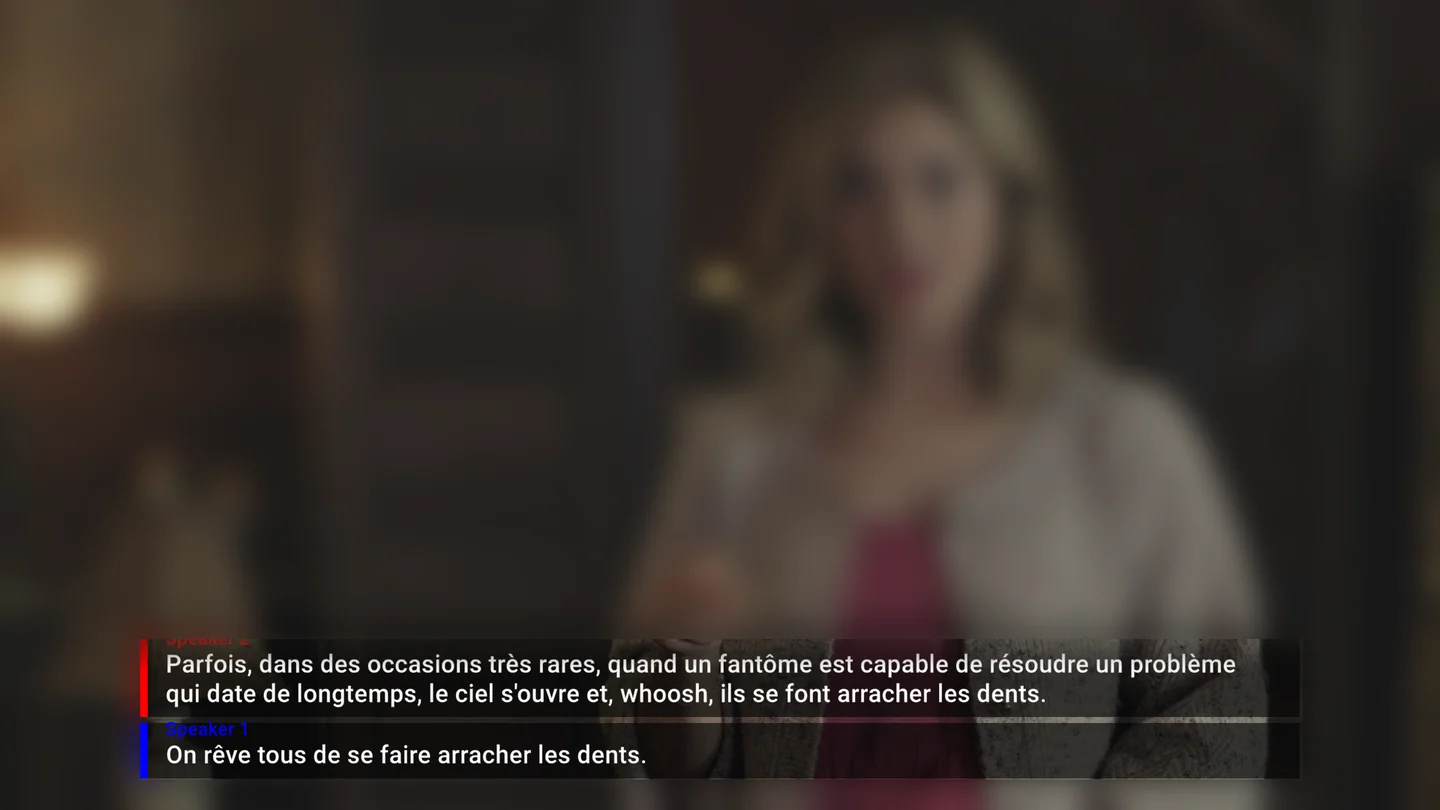
Who is speaking
With Speaker ID on, each voice gets a label, such as Speaker 1, and its own colour. Press Search on the remote to turn it on or off.
After an hour
When captions have run for an hour without anyone pressing a button, the TV asks Are you still there? Press any button to keep captioning. If nobody does, captions stop after 10 seconds, so they don't keep running when nobody is watching.