
While captions are on, XRAI TV records the programme, so you can pause it, go back to something you missed, and catch up. The captions follow the picture.
| Button | While captions are on |
|---|---|
| Play/Pause | Pause the picture, or play it again from where you paused it. |
| Rewind | Go back 10 seconds. |
| Fast-forward | Go forward 10 seconds. Reaching the live picture takes you back to live. |
| Previous track | Go to the start of the recording. |
| Next track | Go back to the live picture. |
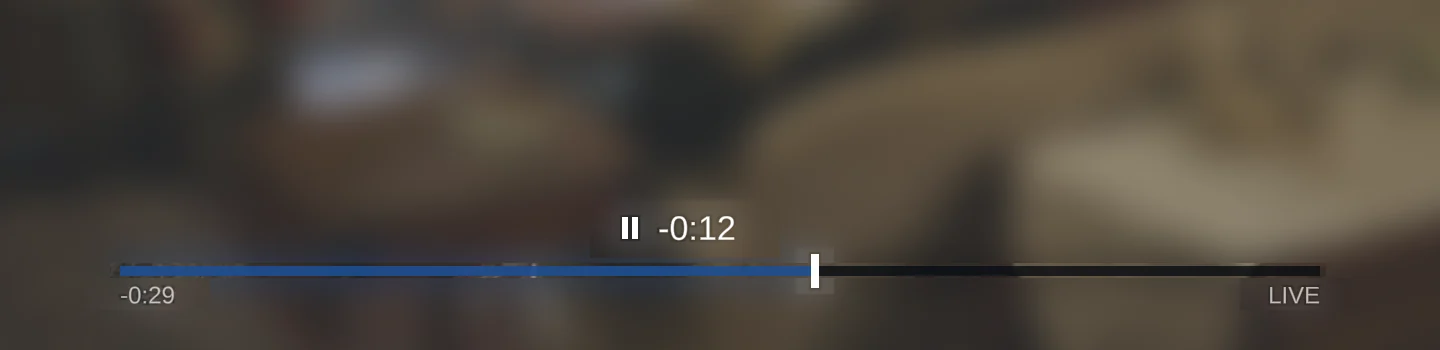
The timeline at the bottom of the screen shows how far behind live the picture is. It hides itself a few seconds after you go back to live, and Back hides it straight away.
The recording starts when captions start. How far back you can go depends on the free space in the box, and a USB memory stick plugged into the box gives it more room.