
XRAI TV can translate the captions into another language as people speak. The spoken language is the language of the programme, and the subtitle language is the language the captions appear in.
Choose the subtitle language
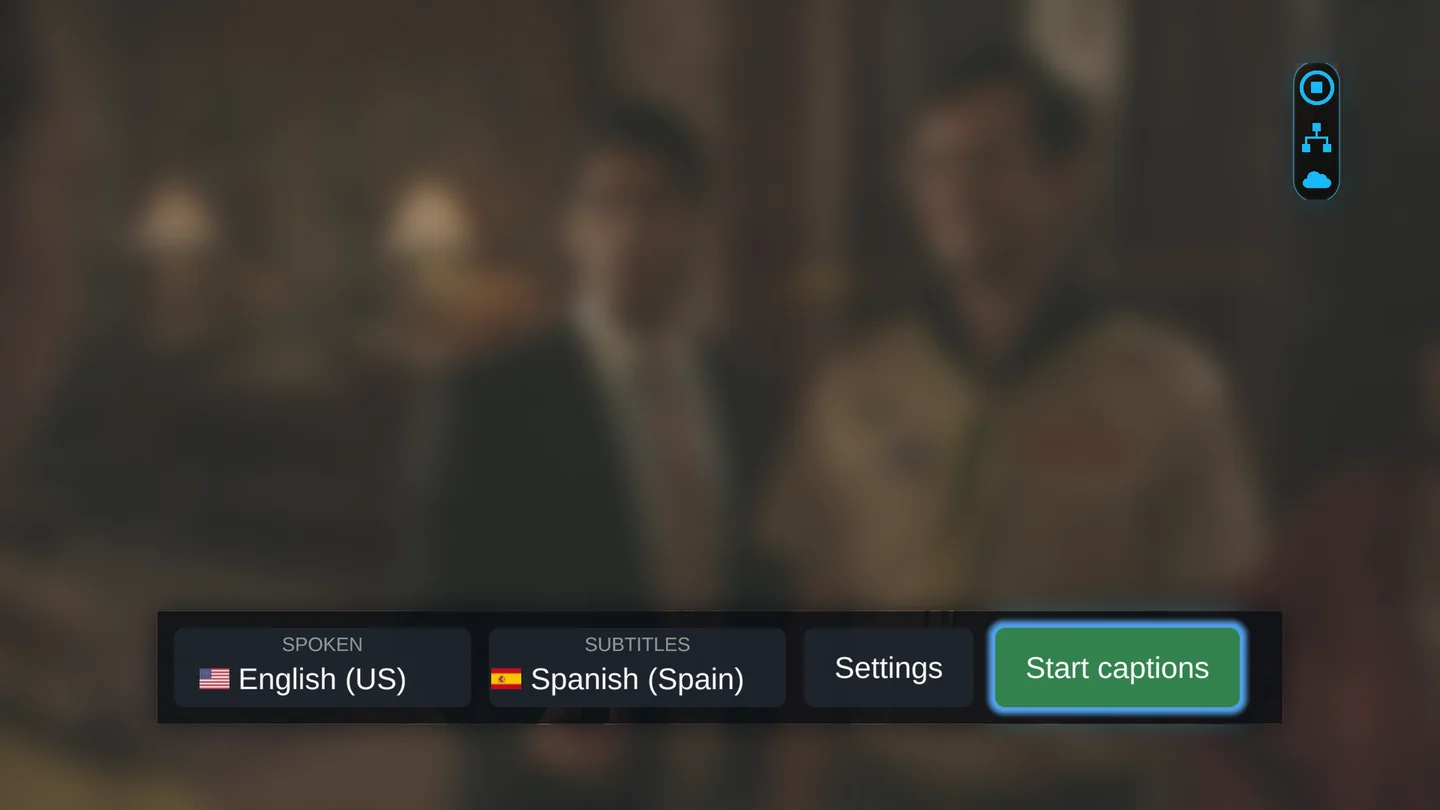
- Press OK on the remote to show the XRAI bar, move to Subtitles and press OK.
- Choose a language and press OK. The list starts with Favourites: the world's most widely spoken languages and any language you have chosen before. All languages follow below them.
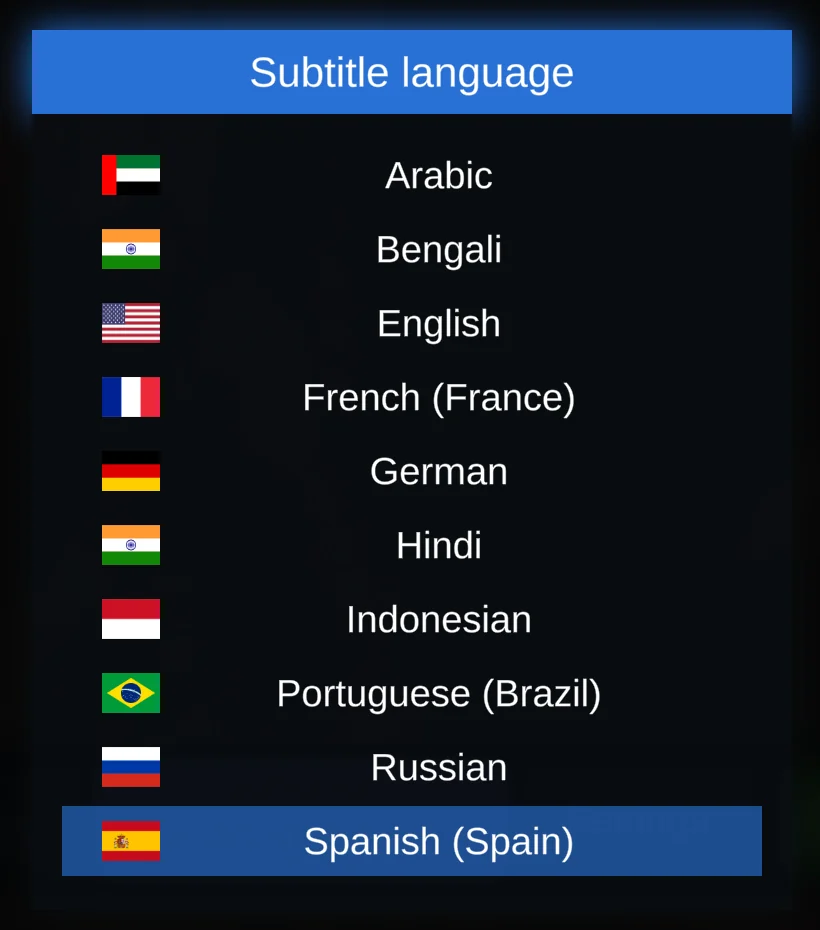
The XRAI bar shows the language you chose under Subtitles.
Translated captions
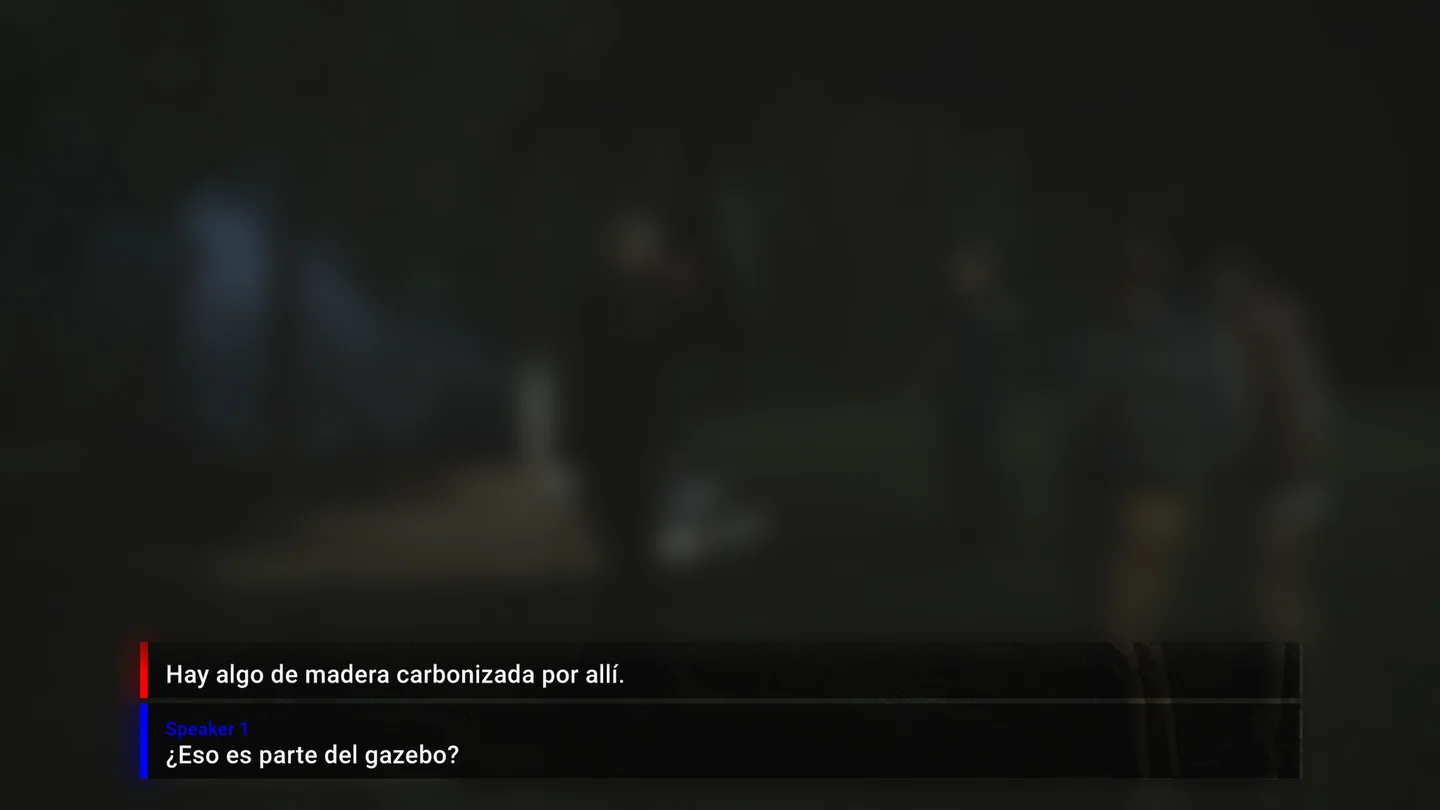
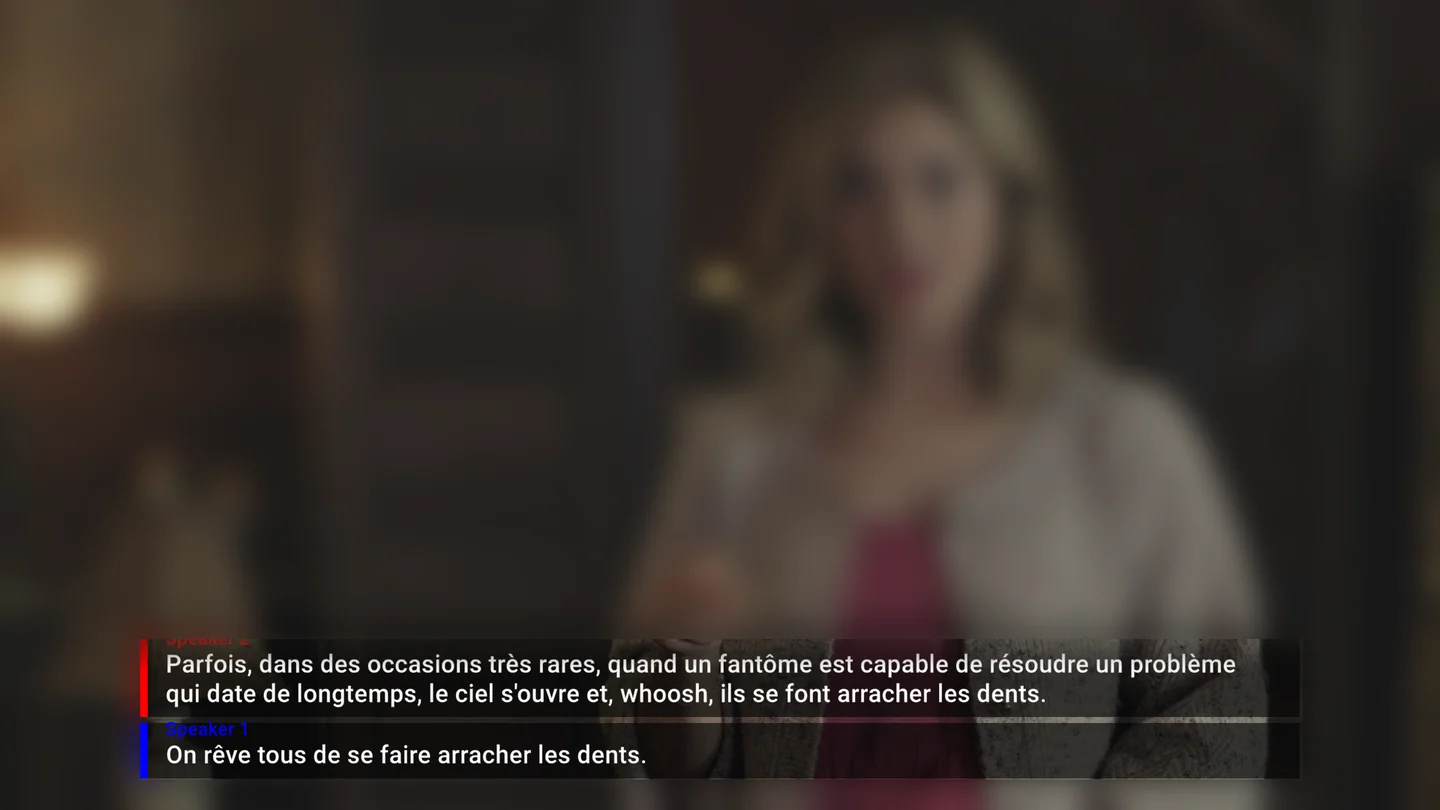
Start captions with Play/Pause as usual. Each line appears in the subtitle language a moment after it is spoken, with the same speaker labels.
Back to the spoken language
Choose As spoken at the top of the Subtitles list to show the captions in the language people speak.
Hear the translation
With Speak out on in Settings, XRAI reads the translated captions aloud through the TV. Programme under speech sets how loud the programme stays while it speaks. See XRAI TV settings.