
Update the glasses from a computer with the online updater. It installs the latest XRAI software over the USB cable, and the glasses restart when it finishes.
What you need
- A Windows PC, Mac or Chromebook with Google Chrome or Microsoft Edge. Other browsers can't connect to the glasses.
- The USB-C cable that came with the glasses. If your computer only has USB-C ports, use a USB-C to USB-C cable.
Update the glasses
- Switch on the glasses and connect them to the computer with the cable.
- In Chrome or Edge, open link.xrai.glass/ar-one.
- Under Connect to XRAI AR One, click Connect. Choose your glasses in the window the browser opens and click Connect again. The page shows the glasses' details and Status: Connected.
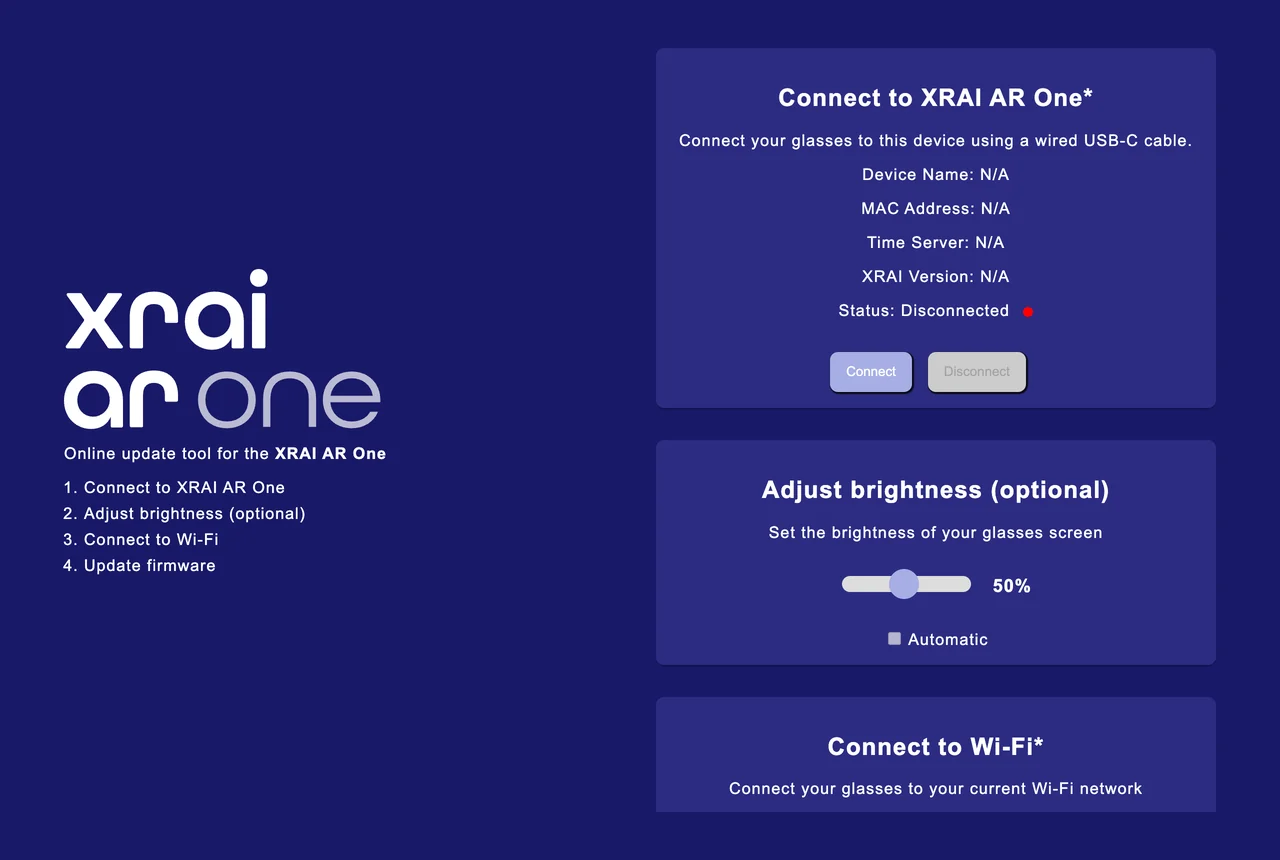
- Scroll down to Update firmware and click Update. The button shows Updating... while the software downloads and installs.
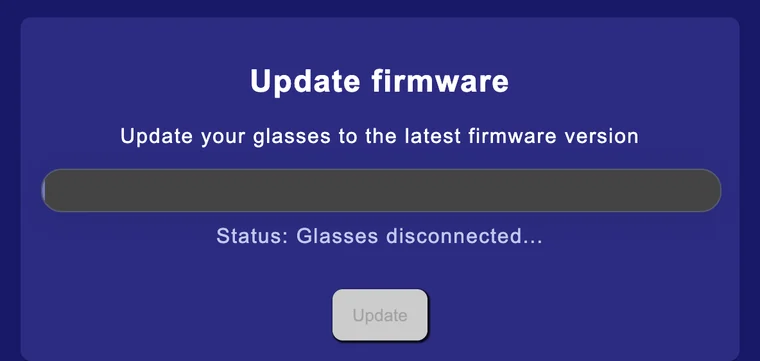
- When the button shows Update complete!, the glasses restart. You can then disconnect the cable.
If the button shows Your device is up to date, the glasses already have the latest software.
While the glasses are connected you can also set the display brightness under Adjust brightness, or turn on Automatic.
If the updater doesn't find the glasses
- Check that the glasses are switched on, and try another cable or USB port. Some cables only charge and don't carry data.
- Close other programs that might be connected to the glasses, then reload the page and click Connect again.
- If the glasses no longer start, see Restore the XRAI AR One factory software.