
Conversations you keep are listed on the conversation screen, newest first. Tap one to read it again.
Rename, share or delete
- Tap ⋮ at the top of the conversation screen, then Manage Conversations.
- Tap the conversations you want to change to select them.
- Tap Rename or Share (one conversation at a time), or Delete (any number). Cancel leaves without changes.
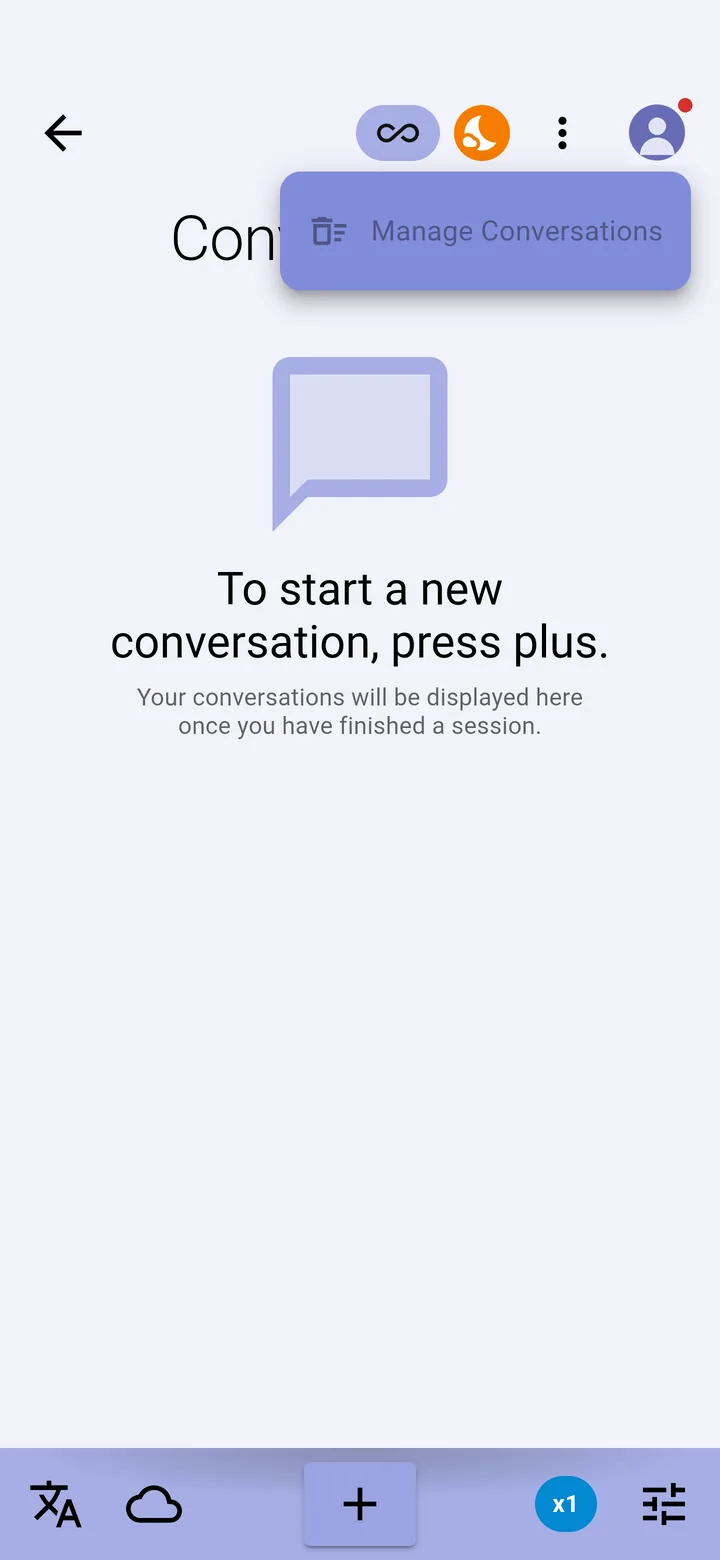
Inside a conversation, the same options are under ⋮.
Share sends the transcript as text to another app on your phone, such as email or messages. It needs a Premium or Ultimate plan. A deleted conversation can't be recovered.
On the free Essentials plan, conversations are kept for one day.