
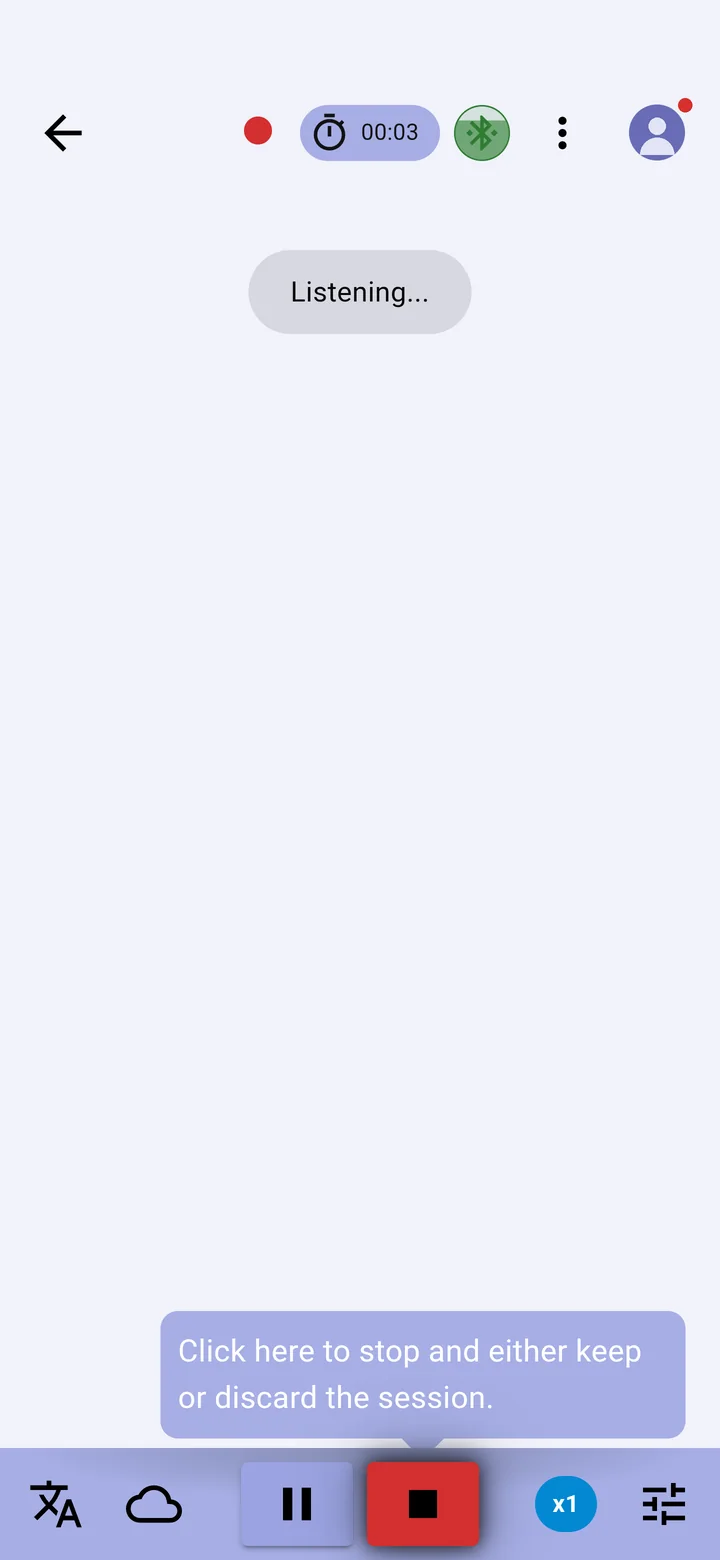
- On the conversation screen, tap +. The app shows Listening… and a timer starts at the top.
- Captions appear as people speak. On XRAI glasses they appear in the lenses too.
- Tap Pause to stop captioning for a moment, and the microphone to carry on.
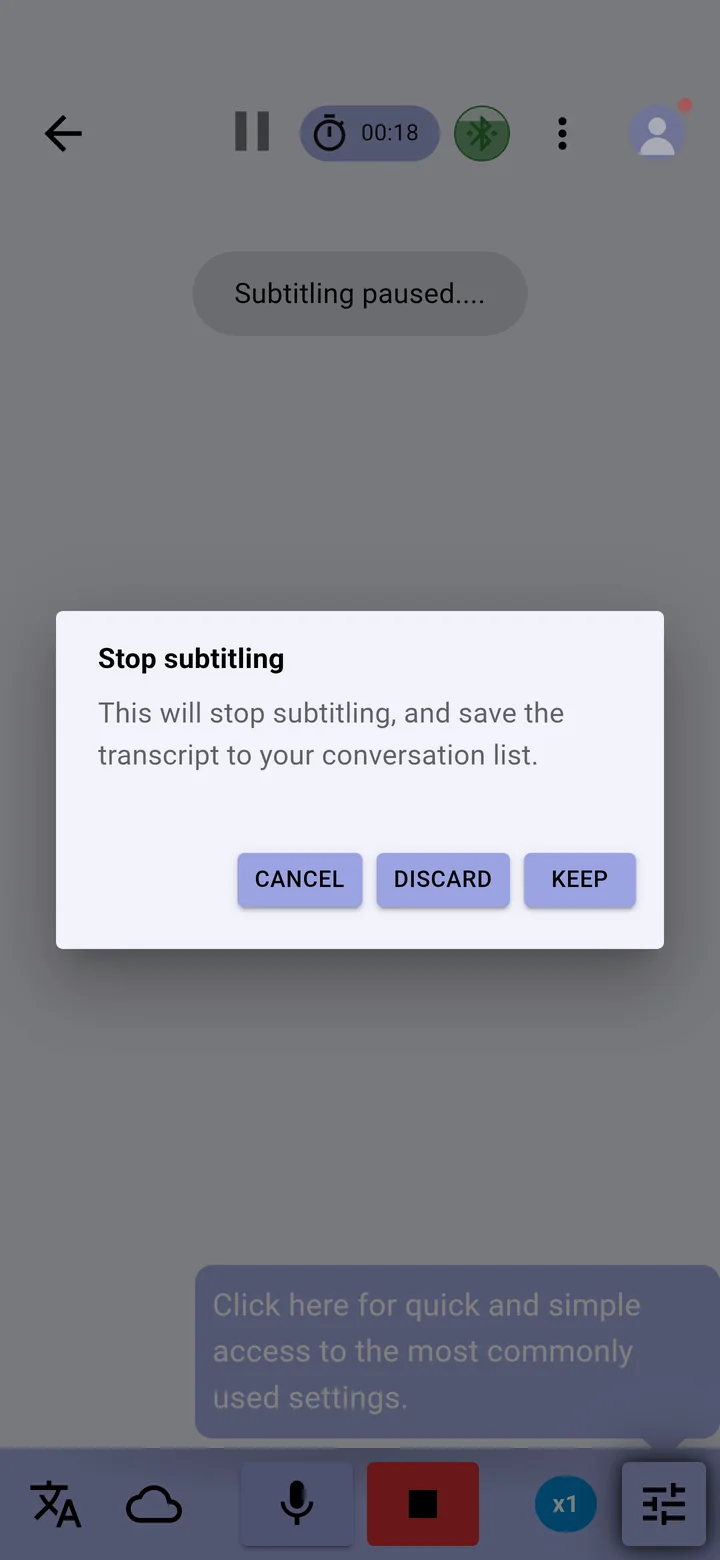
- Tap Stop when you have finished.
- Choose Keep to save the conversation to your list, Discard to delete it, or Cancel to carry on captioning.
On the free Essentials plan a conversation can last up to 30 minutes and is kept for one day. Premium and Ultimate have no time limit on a conversation. See XRAI plans.