
Tap your picture, then Profile.
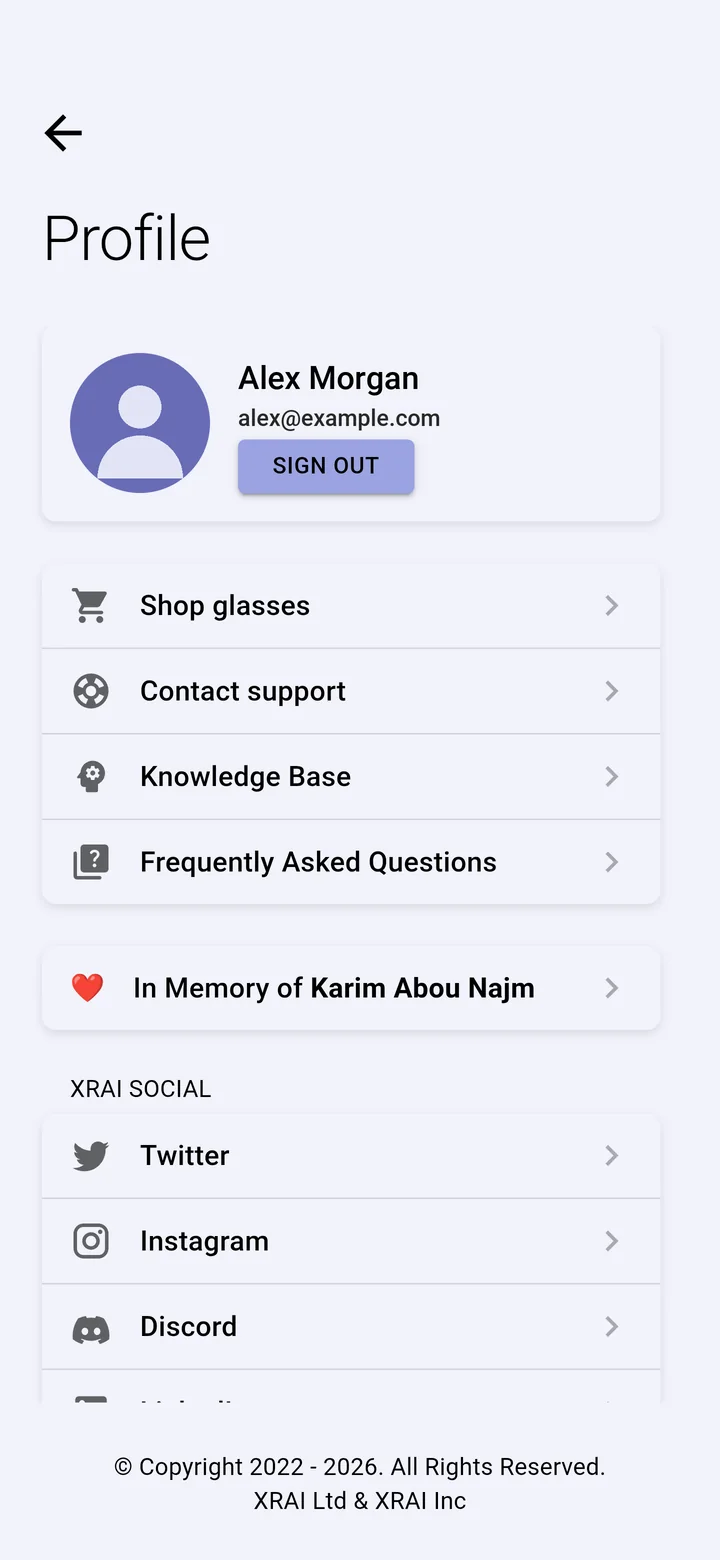
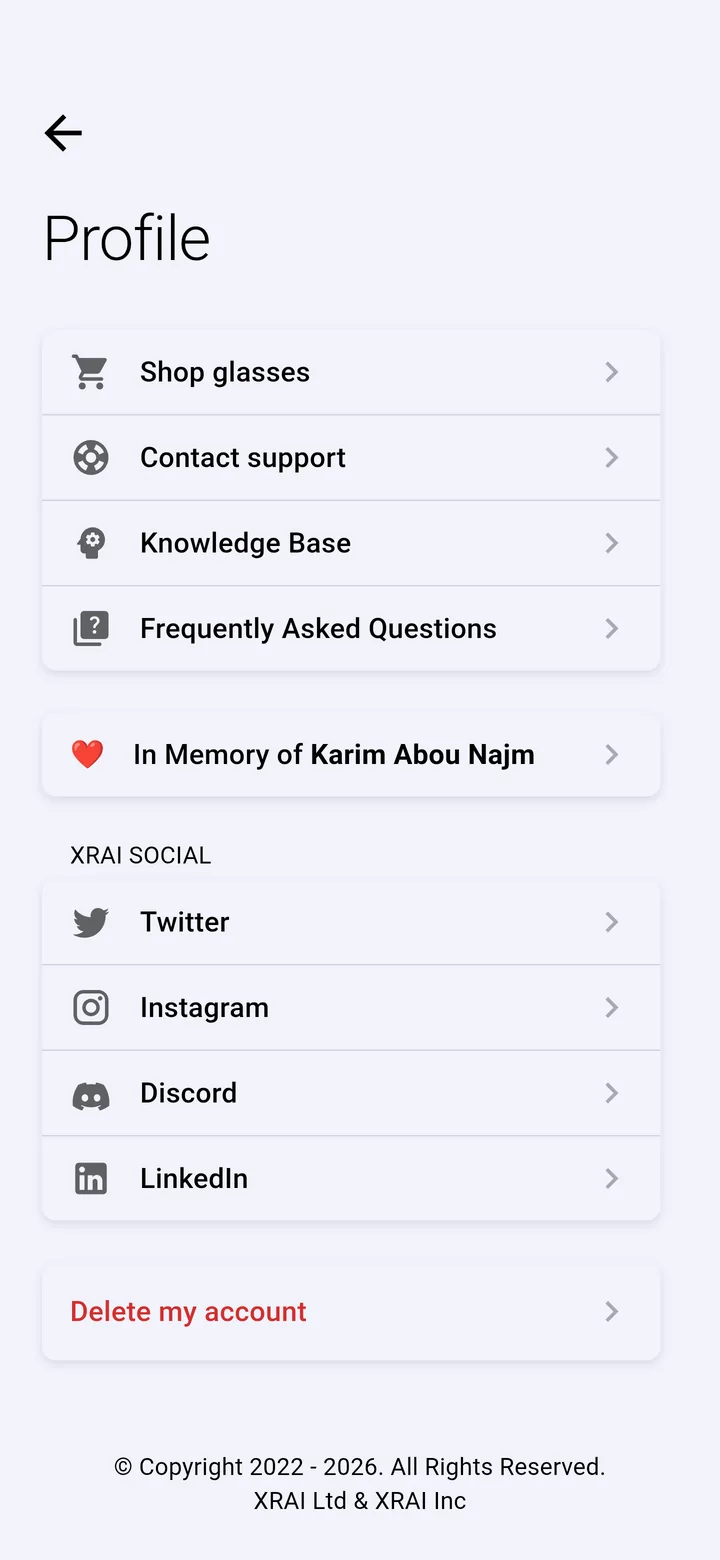
| Item | What it does |
|---|---|
| Sign out | Signs you out of the app on this device. Your conversations stay with your account. |
| Shop glasses | Opens the XRAI shop to buy XRAI AR2 glasses. |
| Contact support | Writes to our support team. To send diagnostics too, see Send a report to support. |
| Knowledge Base and Frequently Asked Questions | Open XRAI Docs. |
| XRAI Social | Our accounts on Twitter, Instagram, Discord and LinkedIn. |
| Delete my account | Permanently deletes your XRAI account and its conversations. |
Delete your account
- Cancel any subscription first: deleting your account doesn't cancel it. See Manage or cancel your subscription.
- Tap your picture → Profile, scroll down and tap Delete my account, then confirm.
Deleting an account can't be undone.
Switch account
Sign out, then sign in with the other account.