
The XRAI app can read each translated caption aloud as well as showing it. It is useful when the person you are talking to would rather listen than read, and in a two-way conversation where each of you speaks a different language.
Turn it on
- Choose a language on the TO tab, so there is a translation to read. See Choose languages and translate.
- Tap the settings icon at the bottom right of the conversation screen.
- On the General tab, turn on Speak out translated text.
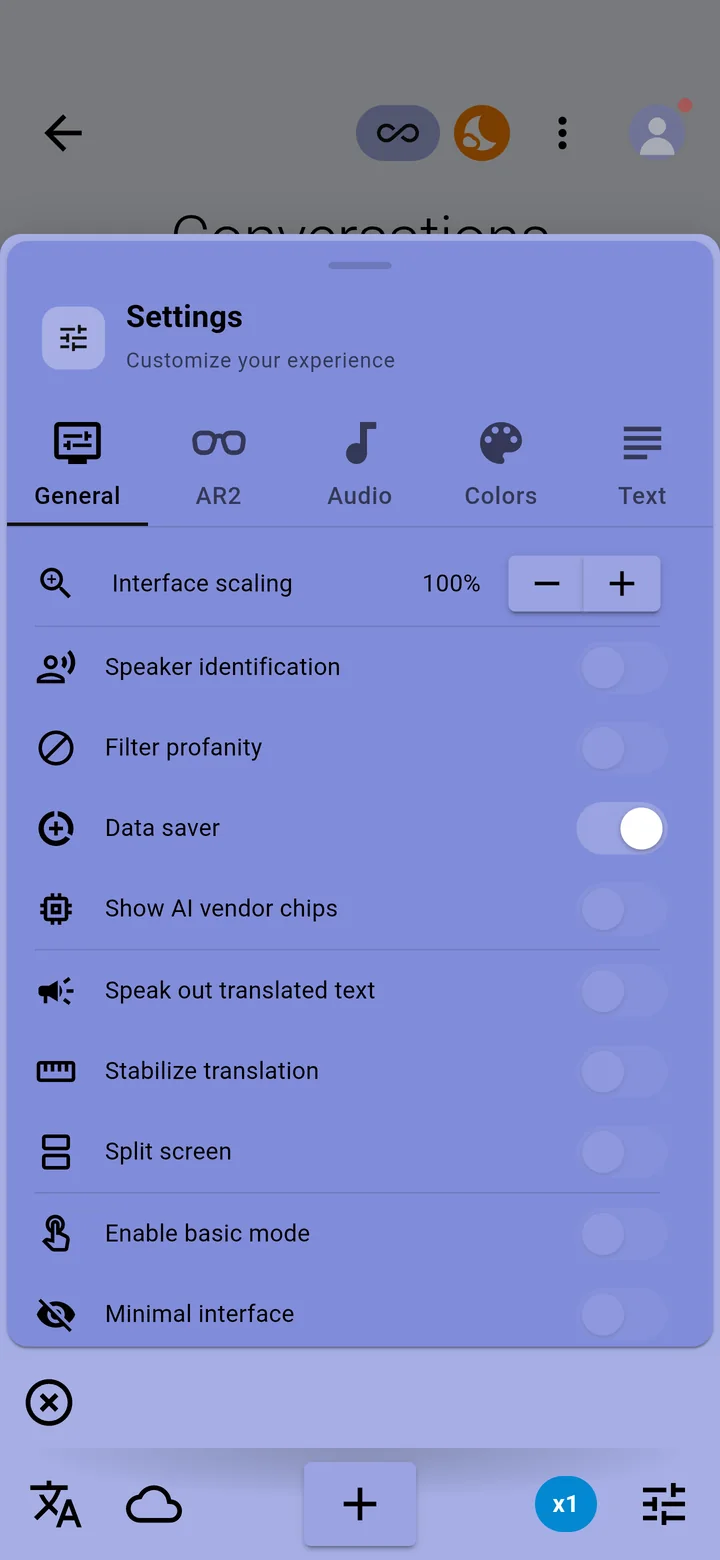
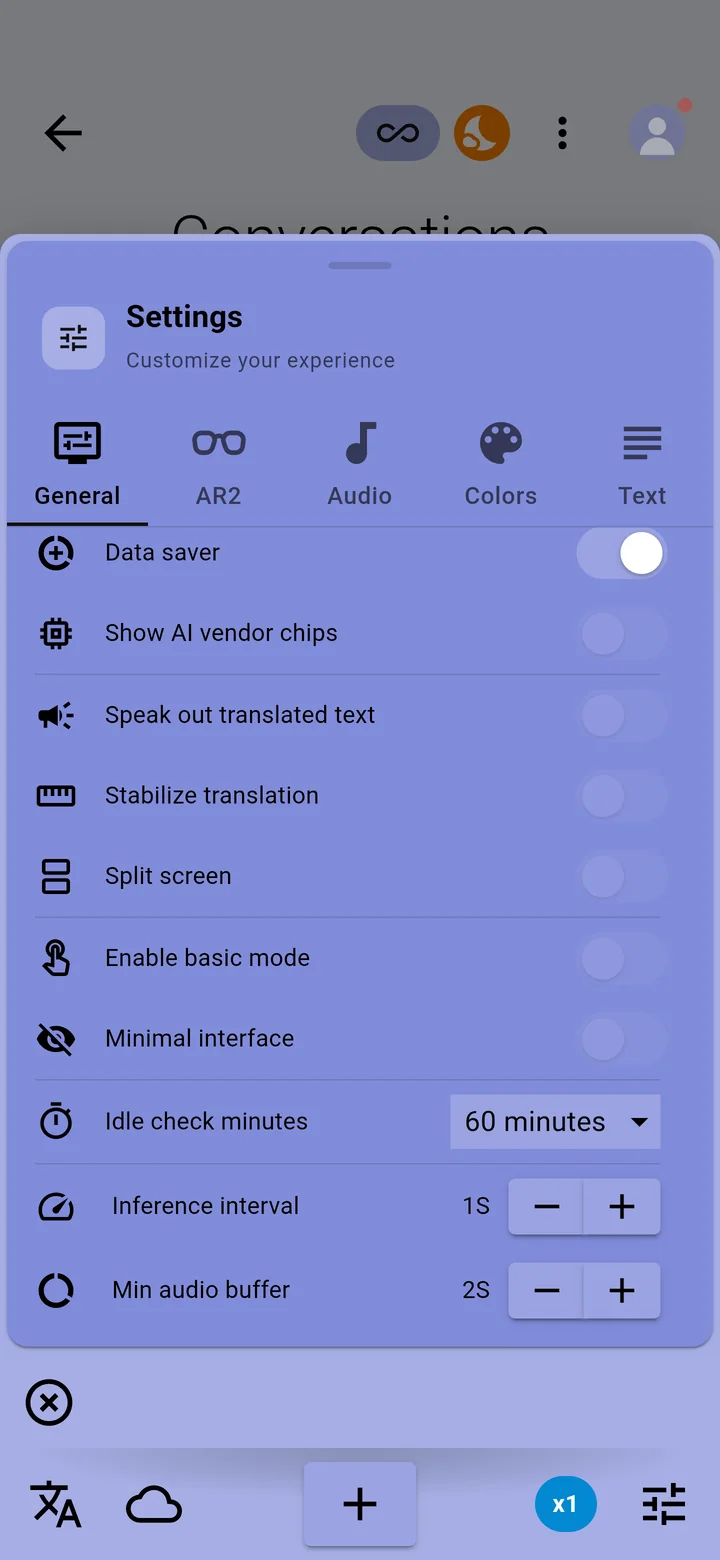
The voice plays through your phone's speaker, or through headphones or a Bluetooth speaker connected to the phone.
Choose the voice
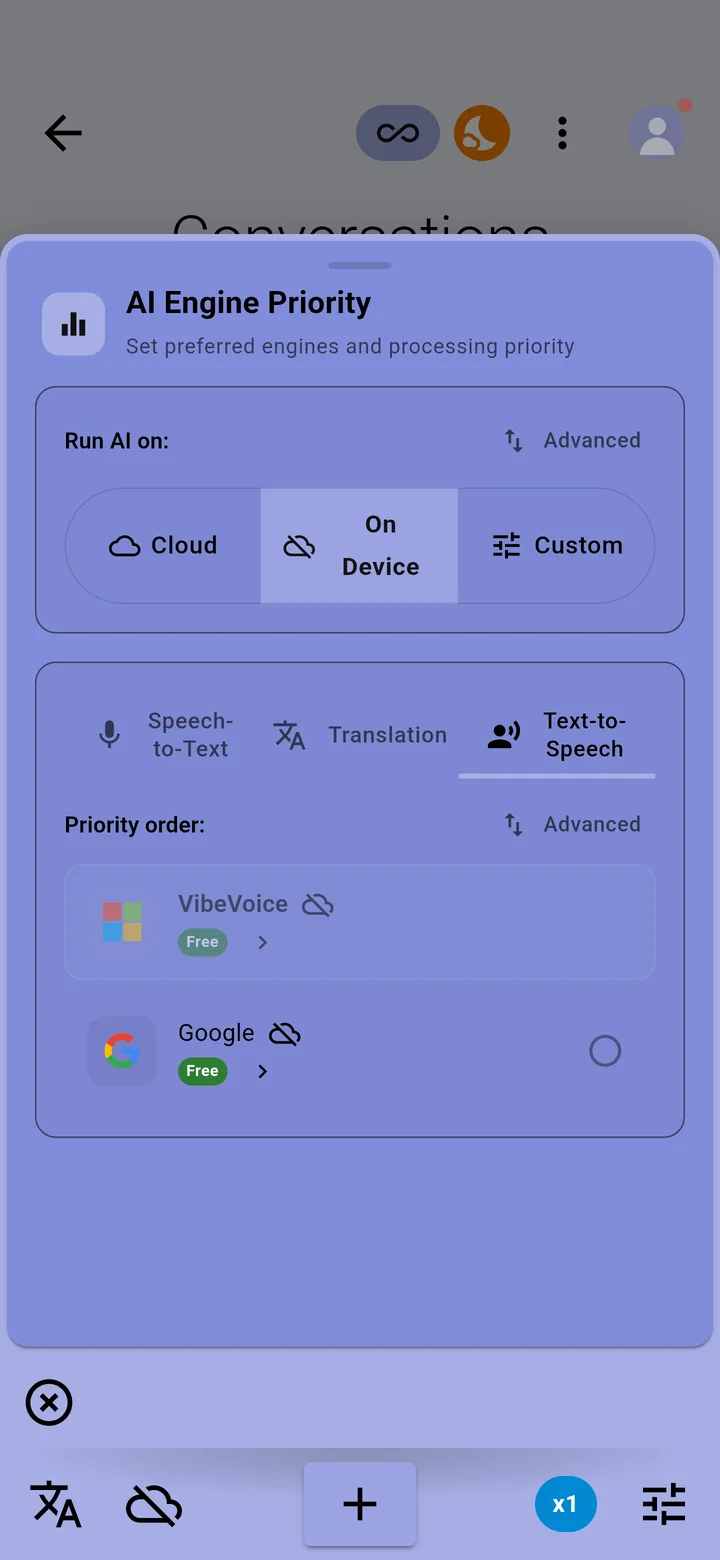
Tap the cloud icon at the bottom of the conversation screen, then the Text-to-Speech tab of AI Engine Priority. Select the voice engine to use first.
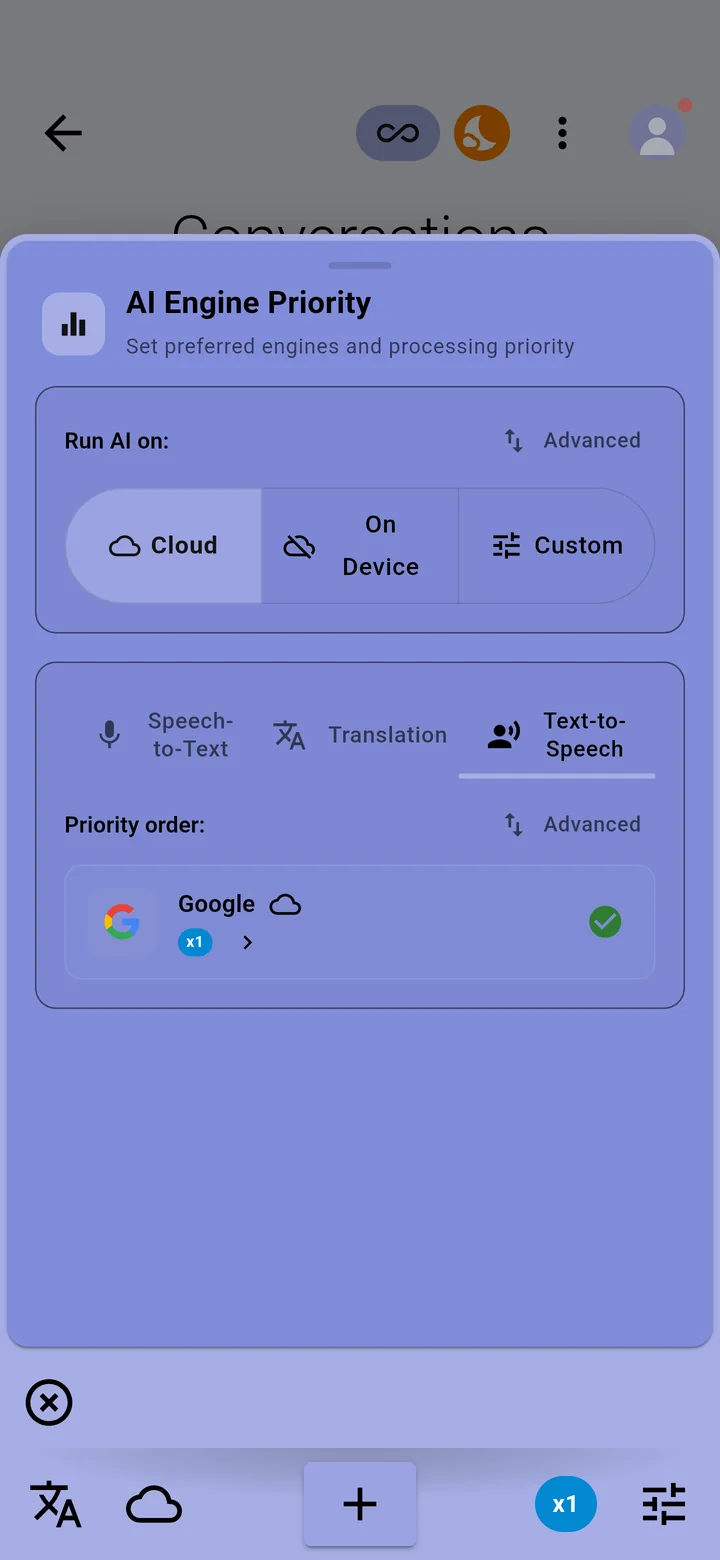
- A cloud voice needs an internet connection and uses Pro minutes. See Pro minutes.
- The voice on your phone, marked Free, works offline and uses no minutes.
In a two-way conversation
Select both languages on the FROM tab and turn on Autoreverse. Each person's words are translated into the other language, and with Speak out translated text on, read aloud too. See Two-way conversations with Autoreverse.
If nothing is spoken
- Check that a TO language is selected: with No translation there is nothing to read aloud.
- Turn the phone's media volume up, and check it isn't connected to a Bluetooth device you aren't wearing.
- Offline, choose the voice on your phone in the Text-to-Speech tab.