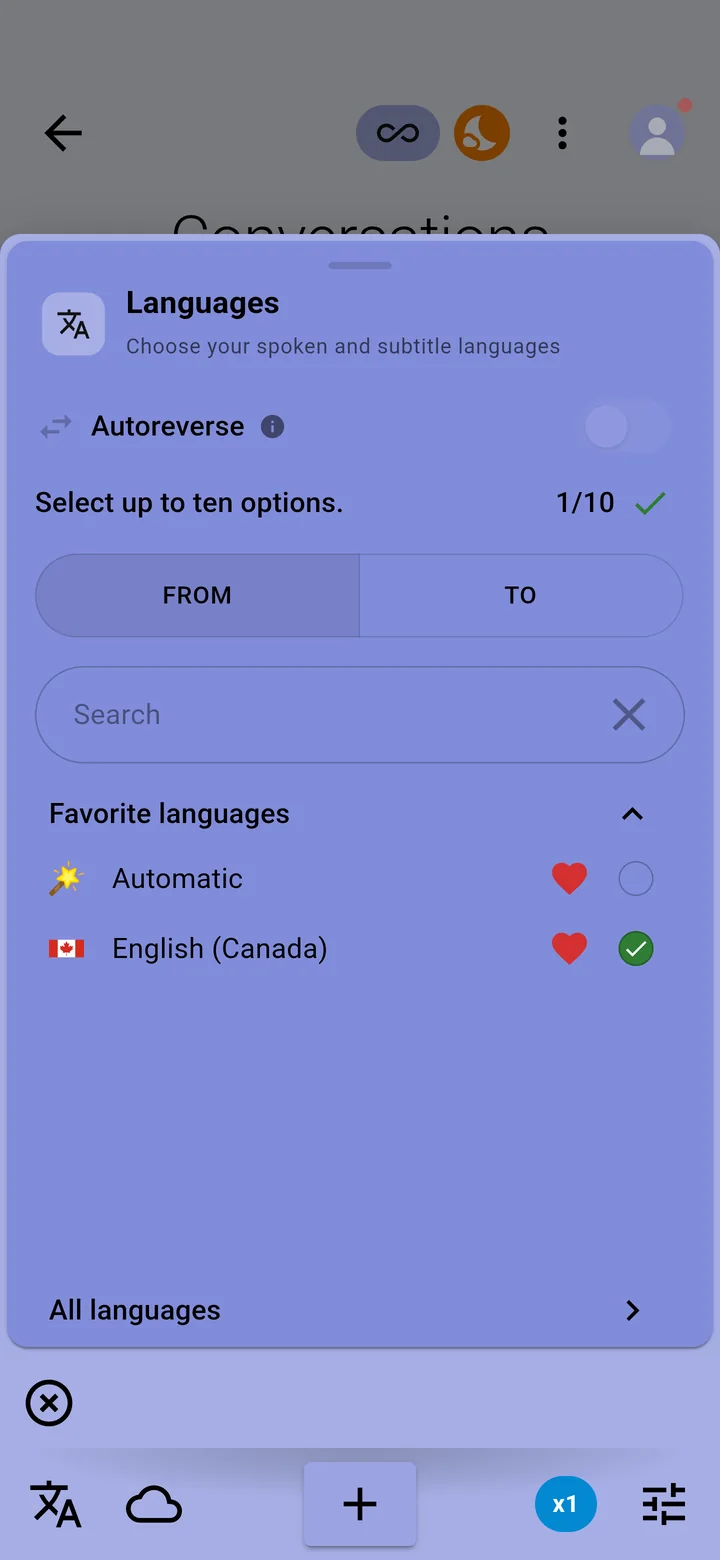
Autoreverse captions a conversation in two languages for both speakers. Each person's speech is translated into the other's language, and the screen splits so each of you reads your own side.
- Tap the languages icon in the bottom-left corner of the conversation screen.
- Choose exactly two spoken languages, one for each person.
- Turn on Autoreverse at the top of the panel. Split screen turns on with it.
- Put the phone between you and tap +.
- Autoreverse is part of Premium and Ultimate.
- Not every language and engine supports it; the app greys out the ones that don't.